Video Editor
Trim, crop, rotate, resize, and more — a free video editor that runs entirely in your browser.
A video editor for the quick fix, not the feature film
Most edits people actually need are small: cut a dead moment, straighten a sideways clip, turn the volume up, resize for an upload limit. This free online video editor puts all of those in one browser tab instead of ten menus in a desktop video editor. It works the same way whether you're a freelancer who needs to trim, rotate, and resize a client's phone recording before a deadline, an operations manager cropping and adjusting a screen recording for an internal update, or someone who just wants a lightweight video editor to fix one thing about a clip before sending it along. Open a file, pick a tab, make the change, and export — no project to set up first.
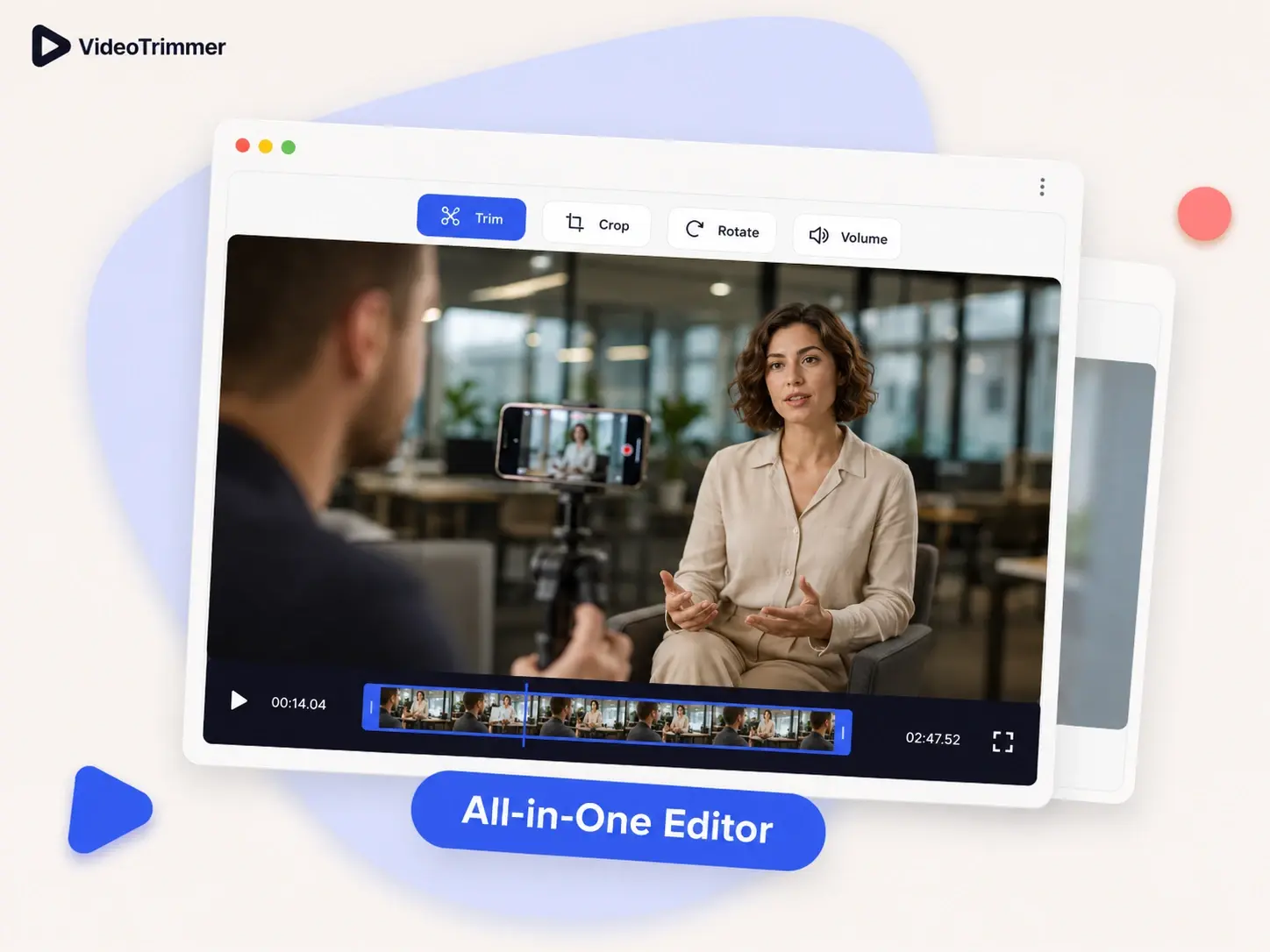
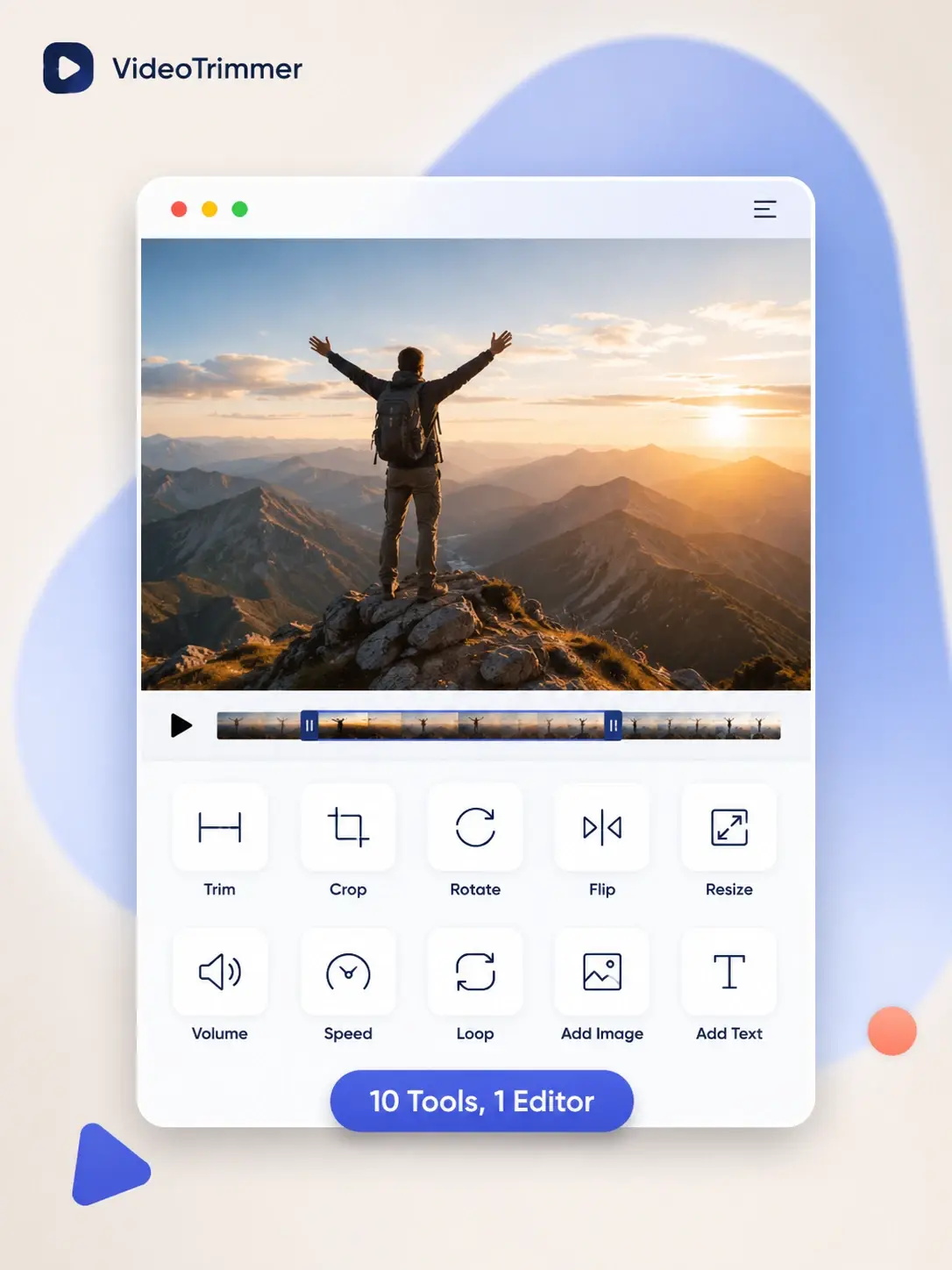
Ten editing tools, one video editor
Each tool below is its own tab in the same editor, so they can all be applied to a single clip before one export.
Trim
Cut a clip down to just the range that matters, from a two-second moment to a full recording.
Crop
Reframe the video to a new aspect ratio for a different platform or a tighter shot.
Rotate
Turn a sideways or upside-down clip the right way up in 90-degree steps.
Flip
Mirror a clip horizontally or vertically to fix a backwards recording.
Resize
Scale the resolution up or down to fit a file size or upload limit.
Volume
Boost quiet audio, turn down loud parts, or mute a clip entirely.
Speed
Play a clip back faster or slower without cutting any content out.
Loop
Repeat a clip a set number of times for a background or product loop.
Add image
Overlay a logo, photo, or sticker onto the video and keep it there through export.
Add text
Type a title, caption, or callout and position it anywhere on the frame.
The editing tools you actually reach for, without the rest
Desktop editors are built for multi-track productions. Most single-clip edits only need a handful of their features.
Trim, crop, rotate, flip, resize, volume, speed, loop, and image and text overlays, all in one place.
It's a web page — no desktop software, no account required to start editing.
Apply several edits to the same clip and export them all together as one finished file.
Skip the timeline when the job is a handful of quick fixes
A full desktop video editor makes sense for multi-track projects with transitions and effects. For touching up one clip, a heavy video editor is mostly overhead you don't need.
This Video Editor | Desktop editors | |
|---|---|---|
| Time to open and start editing | Seconds | Launch app, new project |
| Learning curve | None — it's a toolbar | Timeline, tracks, keyframes |
| Cost for a single edit | Free | Often a paid license |
| Works on mobile browsers | Rarely |
Small edits, done without opening a heavier tool
“I needed to trim, rotate, and resize a phone recording before sending it to a client. All three in one place saved me from bouncing between apps and re-exporting between each step.”
Daniel K.
Freelance videographer
“Our team records short internal updates and this handles the cropping and speed adjustments we always need without anyone installing software on a work laptop.”
Sofia M.
Operations manager
“I use it mostly for resizing and adding a text title before posting. It's fast enough that I don't think twice about opening it, even for something this small.”
Jamal O.
Social media creator
Video editor FAQ
What people usually ask before their first edit.
Not sure which tool you need?
Open any clip and every tab — trim, crop, rotate, and the rest — is right there to try, so you don't have to decide in advance.
Edit a video without opening anything else.
Trim, crop, rotate, resize, or adjust the audio — free, browser-based, and ready in seconds.