Video Resizer
Scale a video up or down to the resolution you need — free, browser-based.
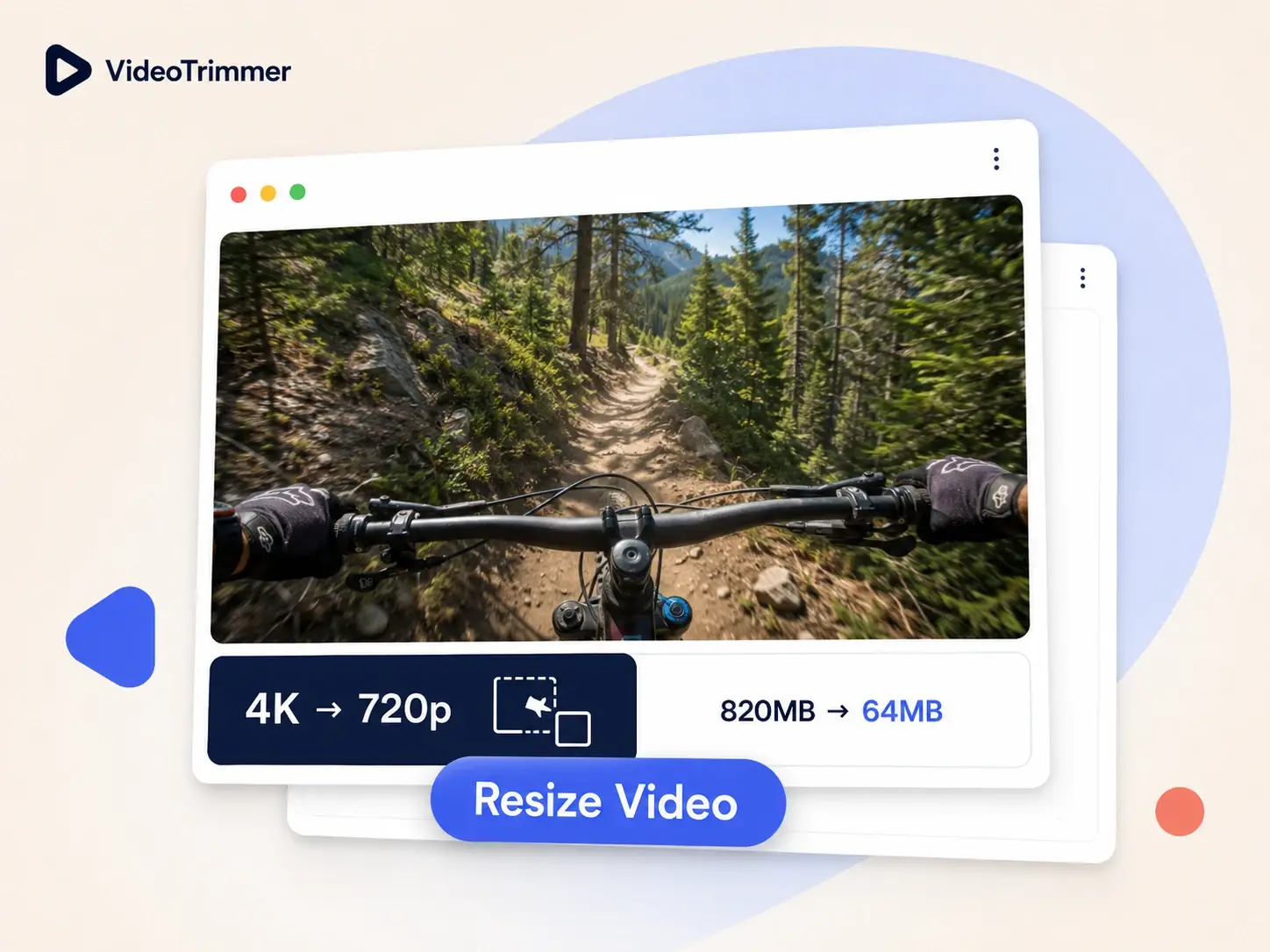
Resize Video Online in Just Seconds
This video resizer scales the frame down or back up — free, right in your browser, no software to install.
Shrink a Video to Clear Upload Limits
A 4K phone recording is often bigger than an upload form will accept — this video resizer fixes that in one step.
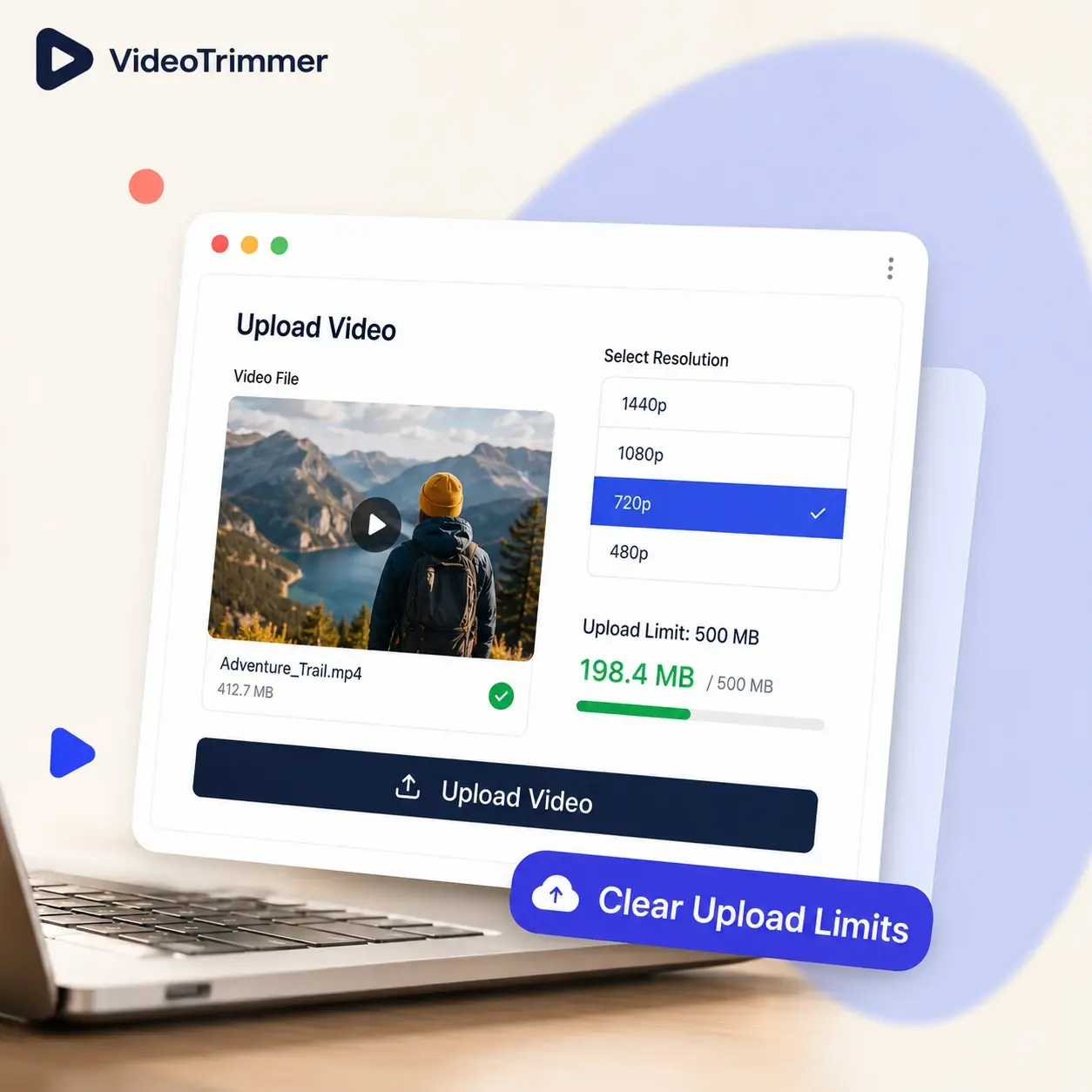
Resize Video for Email
Most email providers reject large attachments outright — a smaller resolution usually clears the limit easily.

Resize Video and Edit It Further
Scale the resolution, then trim, rotate, or adjust volume — all before one export, without reopening the file.
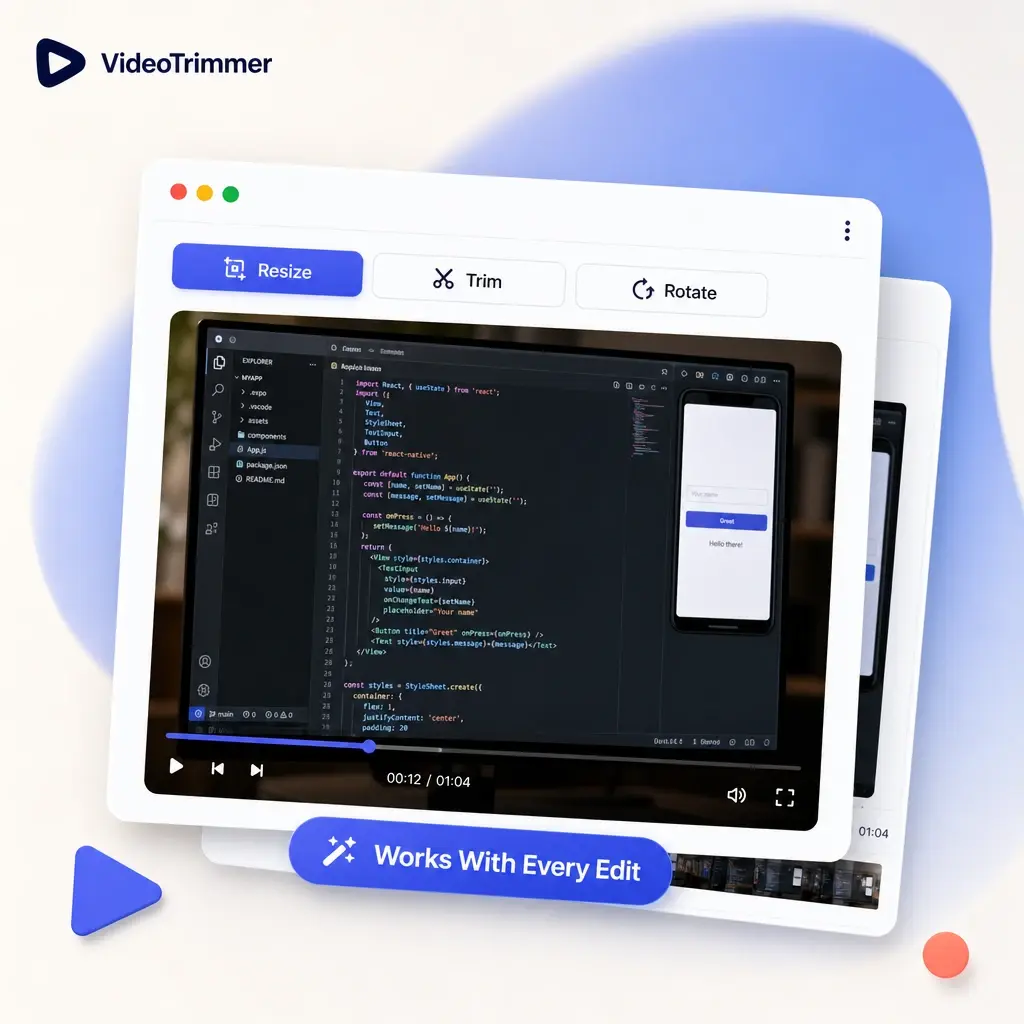
Who's Using This Video Resizer
A resolution that's too big for the job shows up in more places than just cameras and studios, often as an upload error nobody expected.
Community and forum posters
Use a video resizer to get a clip under a strict upload limit instead of hitting an error.
Remote workers
Shrink a screen recording enough to attach it directly to an email instead of a file share link.
App and web developers
Produce a small sample video for a test build instead of shipping a full-resolution master file.
People on slower connections
Cut upload time way down by resizing before sending a clip over a weak or metered connection.
Content creators
Resize video exports to fit a platform's file size budget before posting.
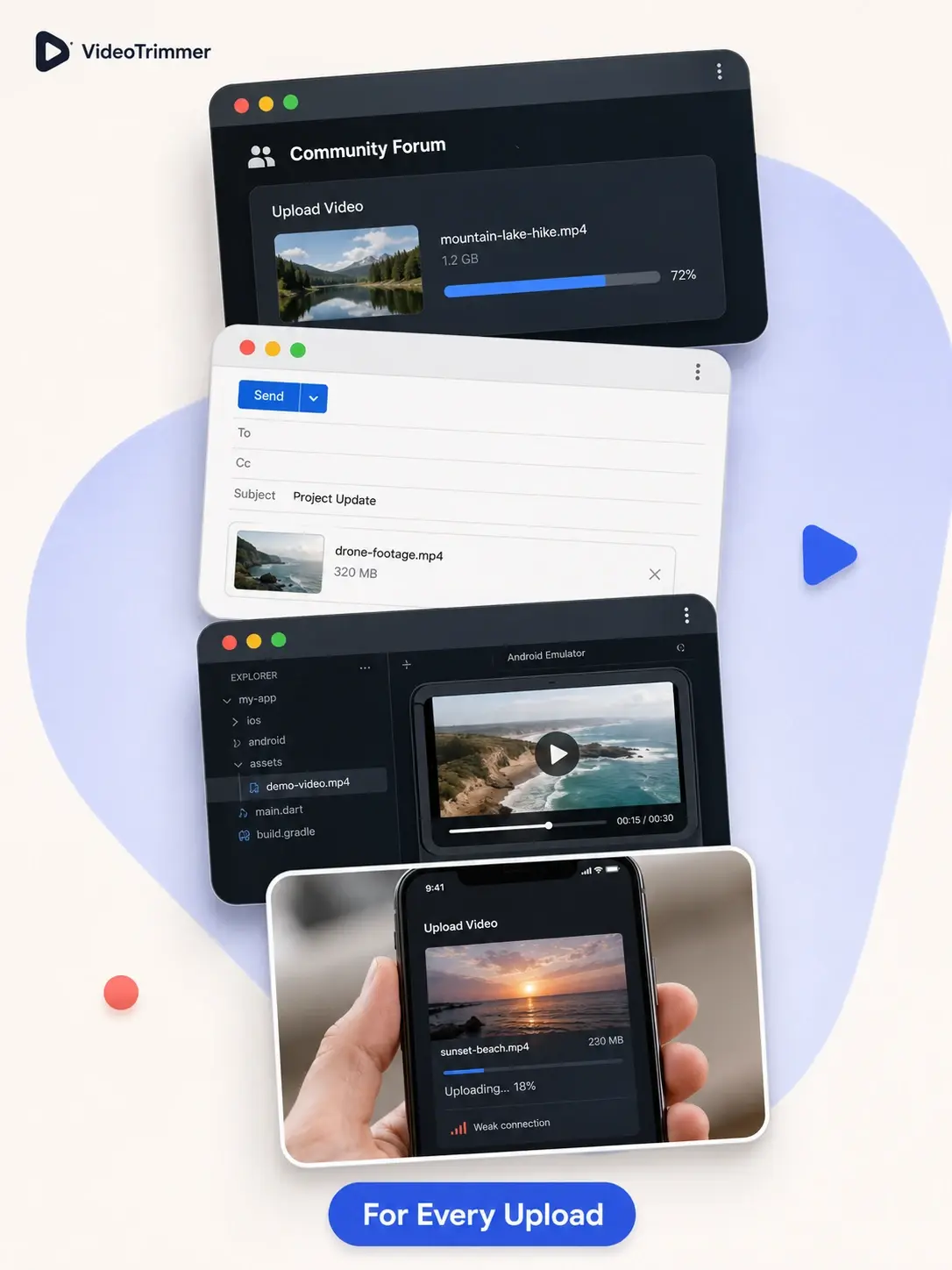
Pick a Resolution, Shrink the Whole File
Pick a target resolution from a preset list.
A lower resolution export is a noticeably smaller file.
Width and height scale together, nothing distorted.
Runs in the browser on desktop or mobile.
Shrink a Video Without Re-Exporting
Video Resizer | Re-record or re-export | |
|---|---|---|
| Reduce file size for an upload limit | Pick a lower resolution | Re-record at lower settings |
| Works on a file you already have | Original recording only | |
| Time needed | Under a minute | Depends on the re-shoot |
| Keeps the original aspect ratio | Depends on the app | |
| Free, no watermark | Often a paid tier | |
| Preview before exporting | Sometimes | |
| Works on mobile browsers | Rarely |
Under the Limit Without Re-Exporting
“Our internal wiki caps video attachments at a size most phone recordings blow past immediately. Resizing before upload has become a normal step in documenting bugs now, instead of a blocker.”
Farid H.
QA engineer
“I needed a lightweight demo clip for a pitch deck with a strict file size budget. Scaling it down here kept the deck under the limit.”
Naomi C.
Product designer
“I resize video test assets constantly so builds don't ship with full-resolution sample files. It's a five-second step now instead of a re-render.”
Malik F.
App developer
“My connection at home is too slow to upload full-resolution clips reliably. Resizing first cuts the upload time enough that it actually finishes without timing out halfway through.”
Grace L.
Remote support agent
Video Resizer FAQ
Common questions before resizing a clip.
Resize the video to fit wherever it's going.
Pick a resolution, preview the result, and export — free, no account required, no software to install.