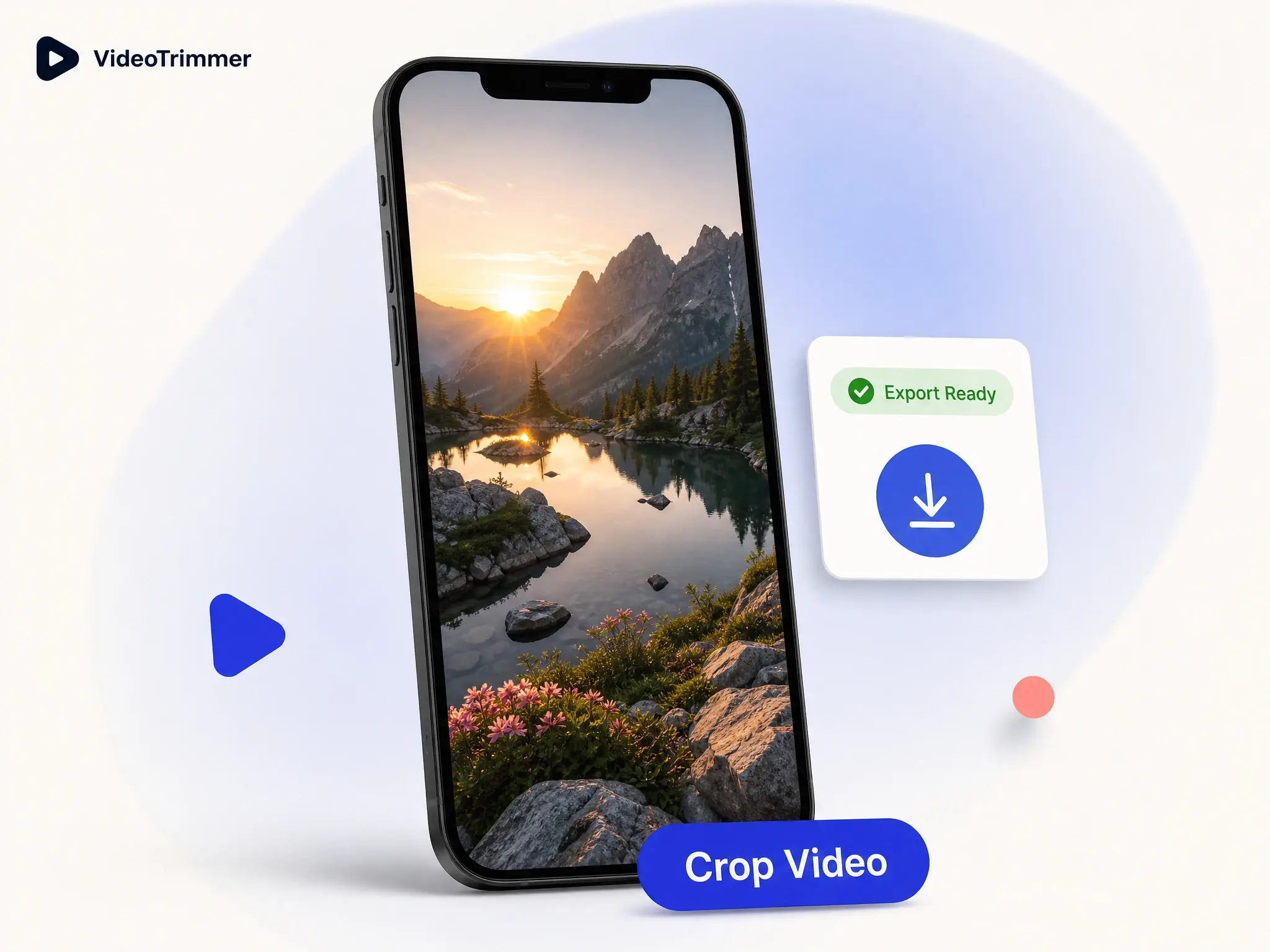
Crop Video Online
Reframe any clip to the aspect ratio you need — free, browser-based video cropper.

Crop Video Online for Any Platform
Crop video footage to any frame — drag a box over the part that matters and cut the rest of the frame away.
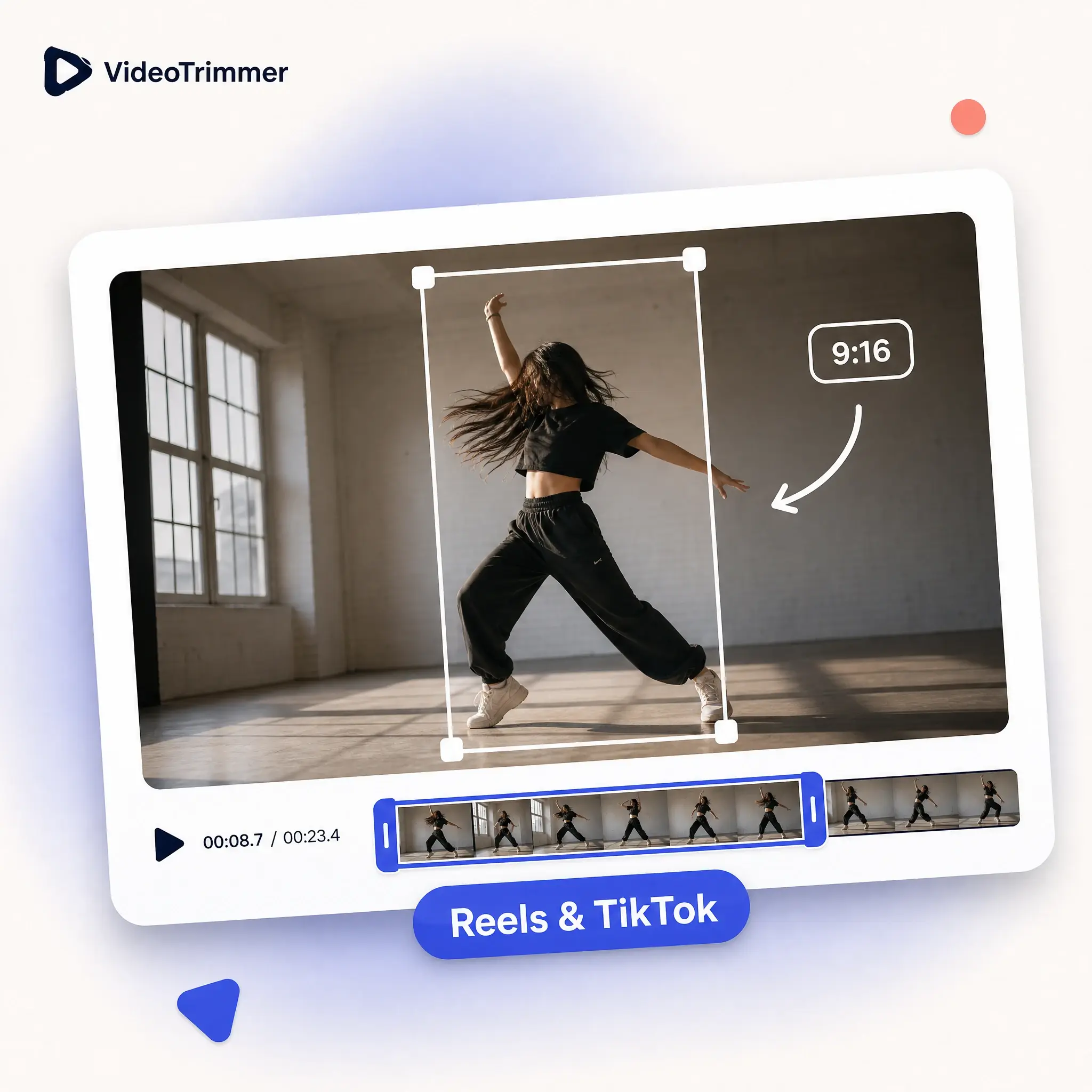
Crop Video for Reels or TikTok
A landscape recording doesn't fit a vertical feed — reframe it to 9:16 in one drag.
Set Any Aspect Ratio
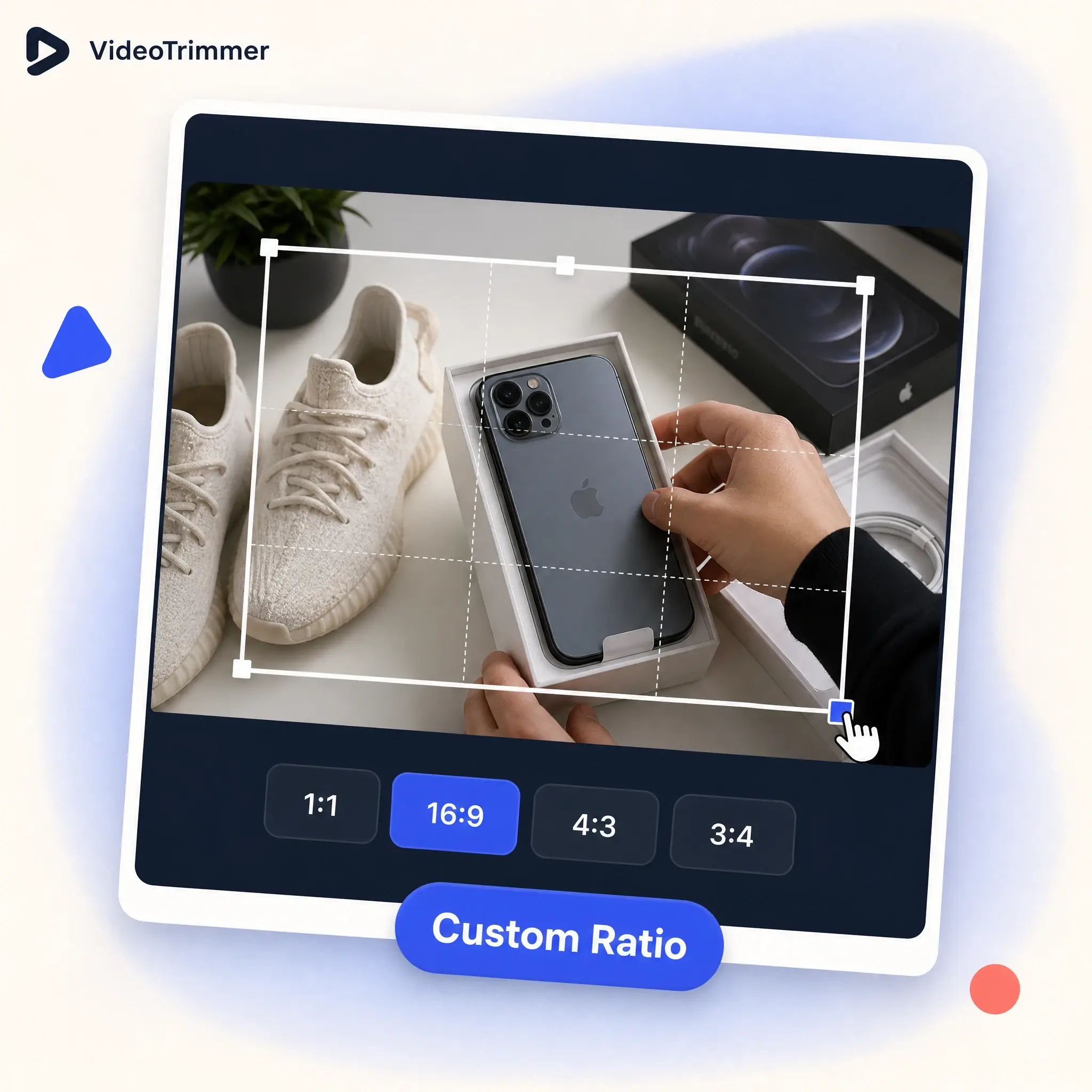
Not every platform wants a 9:16 frame — set a custom size when none of the presets quite fit.
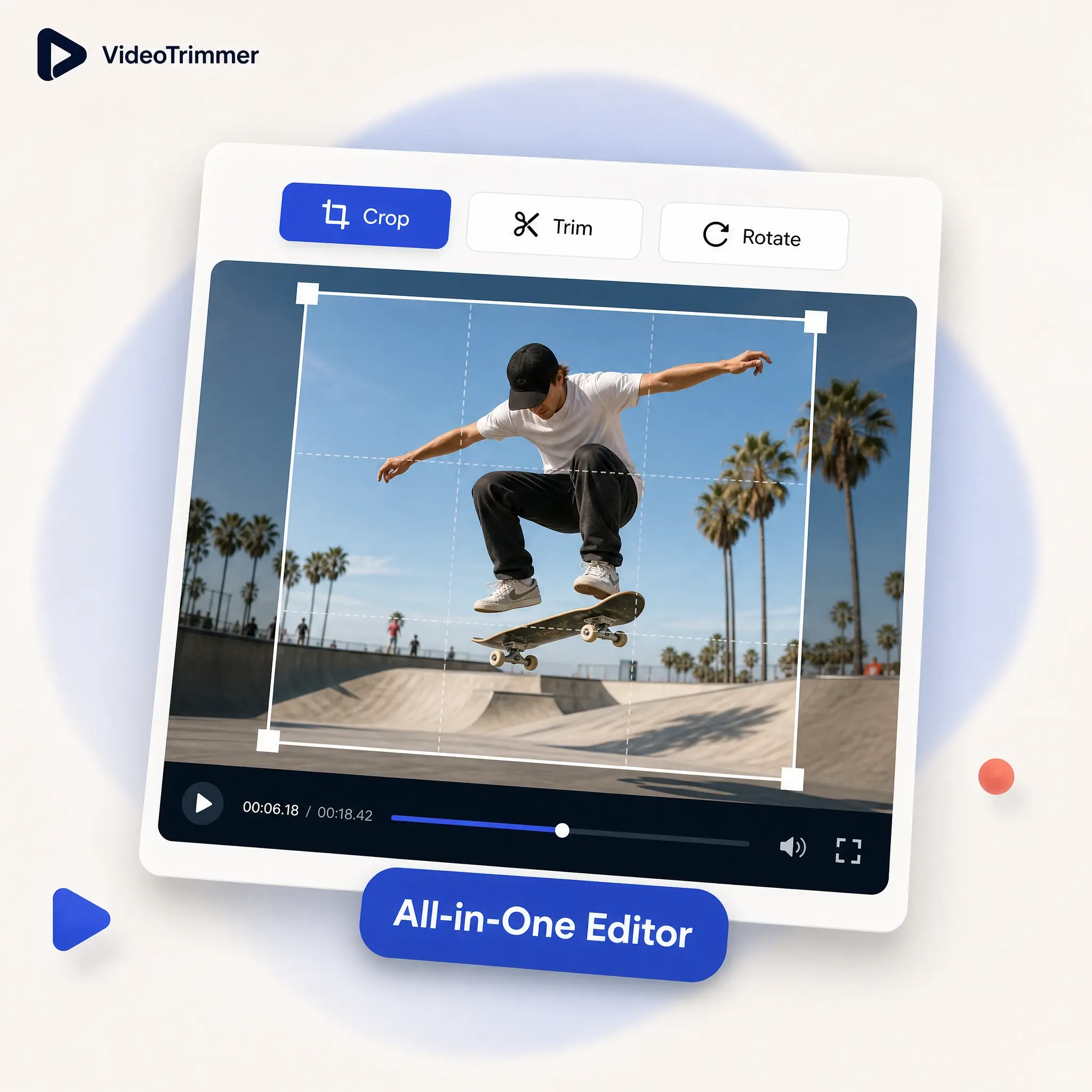
Crop Video and Edit It Further
Reframe the clip, then trim, rotate, or adjust the volume — all before one export, without reopening the file.
Who's Reframing Footage Today
Cropping to a different aspect ratio shows up across almost every kind of video work, often right before a deadline.
TikTok and Reels creators
Crop video into the 9:16 frame Reels, Shorts, and TikTok all expect.
Marketers
Pull a vertical teaser out of a widescreen webinar without re-editing it.
Teachers
Crop a screen recording down to just the slide and presenter.
Streamers
Reframe a wide stream capture around the moment worth clipping.
Online sellers
Crop video product demos to a square for a marketplace listing.

Drag a Frame, Then Export the Crop
Move and resize the crop box over the preview.
1:1, 16:9, 9:16, 4:3, and 3:4, or a custom size.
The pixels you keep stay at full resolution.
Exports are clean, free, and ready to post.
Runs in the browser on desktop or mobile.
Reframe Without a Full Editor
Video Cropper | Full editors | |
|---|---|---|
| Set a custom aspect ratio | One drag | Menus and dialogs |
| Preview before exporting | Sometimes | |
| Works on mobile browsers | Rarely | |
| Free, no watermark | Often a paid tier | |
| Time needed | Under a minute | Learning curve first |
| Works on a clip you already exported | Original project file only | |
| Preset ratios for social platforms | Manual setup |
Reframed and Posted in Just a Few Minutes
“Most of our footage is shot horizontally, but almost everything we post is vertical. Cropping it here has become part of the routine.”
Adaeze N.
TikTok creator
“I pull three or four vertical teasers out of every webinar recording. Dragging the crop box and seeing the exact result saves a lot of guessing.”
Ben O.
Marketing manager
“My lecture recordings capture my whole desktop, but students only need the slide and my webcam. Cropping that down makes a real difference in how professional the recording feels.”
Dr. Priya K.
Course instructor
“I stream in a wide layout but clip highlights for a vertical audience. Reframing each clip takes less time than exporting from my stream software.”
Marcus T.
Streamer
“I crop video demos to a square for my shop's listings every week. It's the one edit I always need, and this is the fastest way I've found to do it without opening a design tool.”
Wei T.
Online seller
Video Crop FAQ
What people usually ask before reframing a clip.
General
Crop the video right down to the frame that works.
Drag the crop box, pick a ratio, and export — free, with no watermark and no account required.
Crop a video