Speed Up Video
Speed footage up or slow it down — free, browser-based video speed changer.
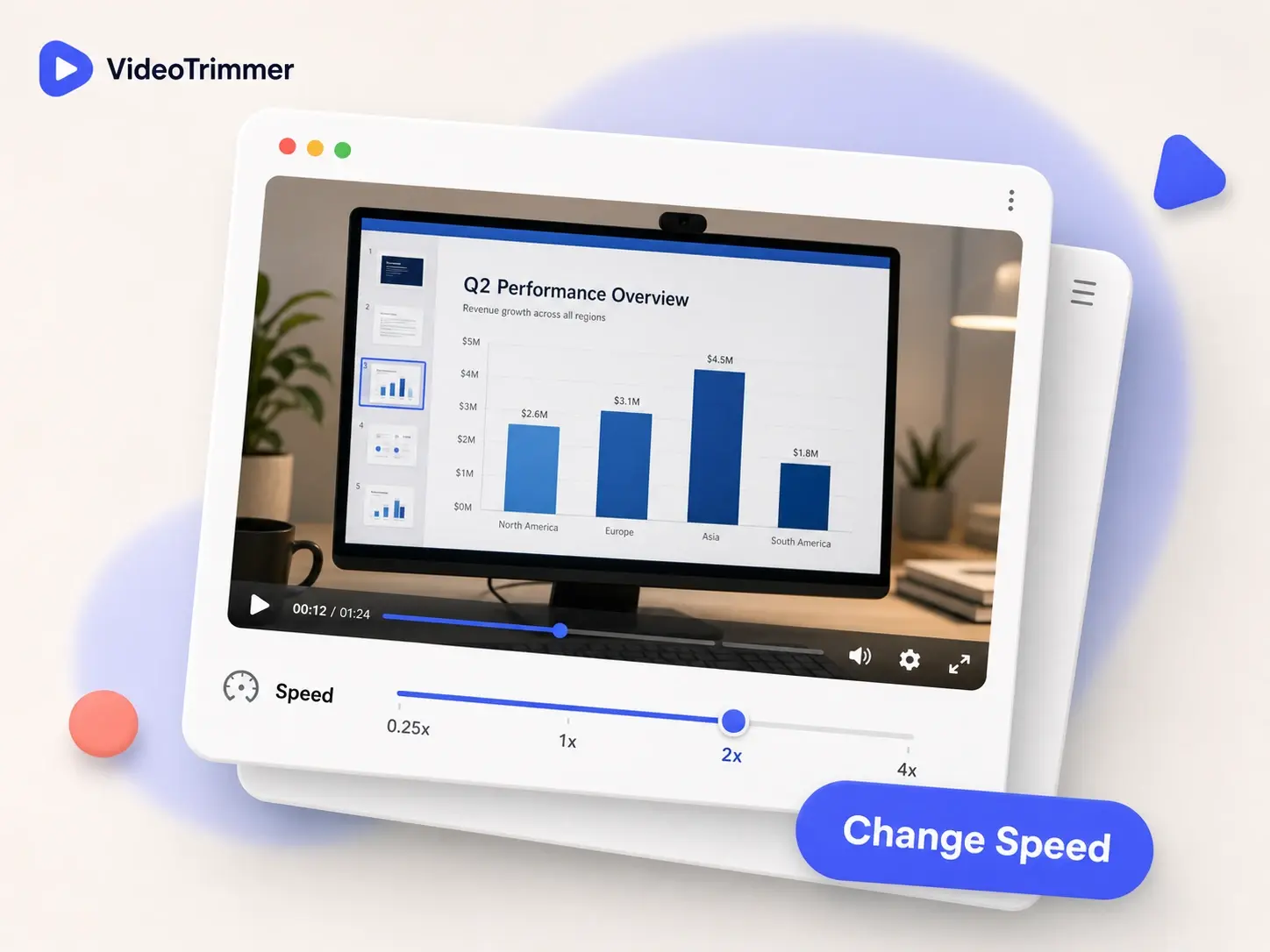
Speed Up Video Online in Just Seconds
Speed up video that runs long, or slow it down for smooth slow motion — one slider, instant preview, no software to install.
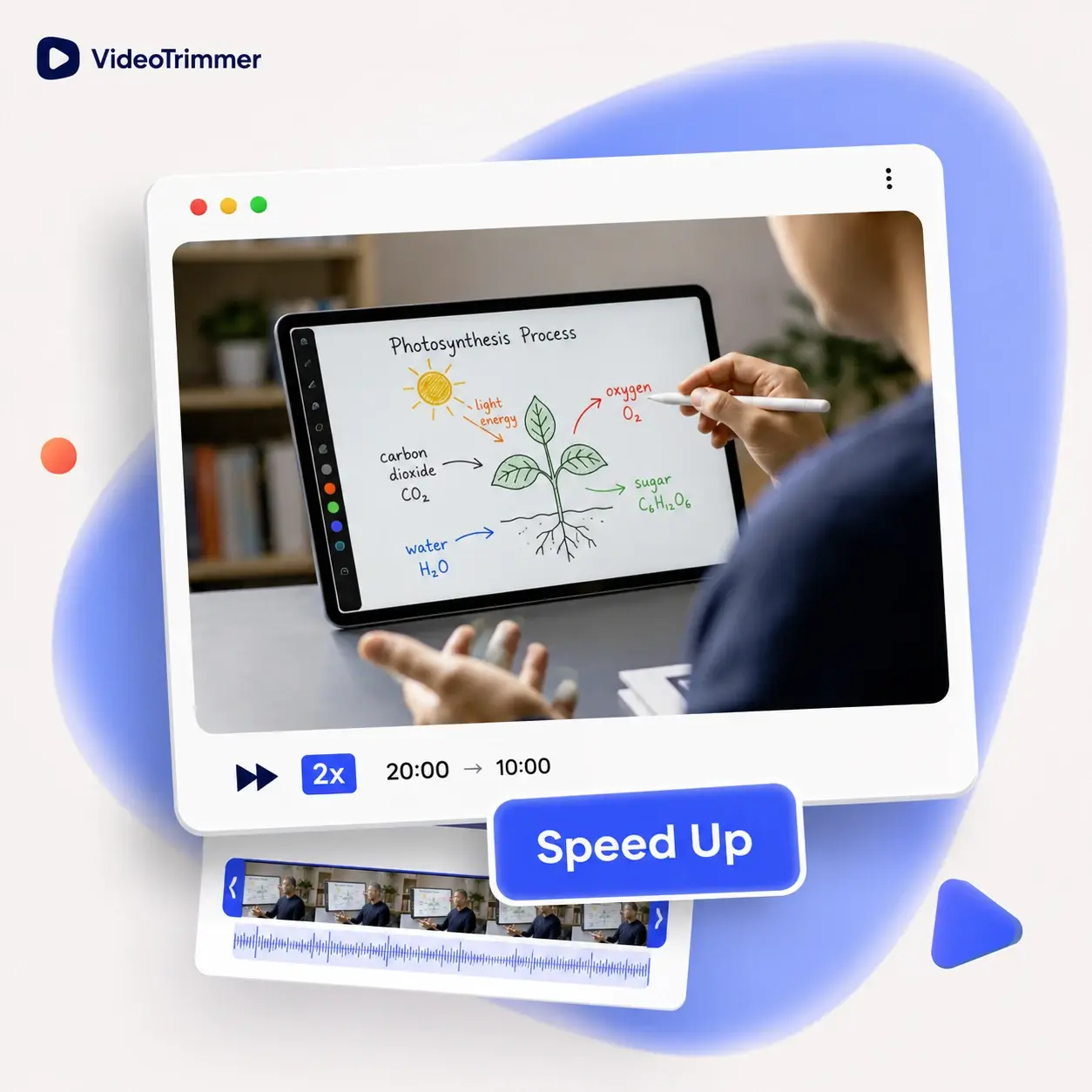
Speed Up Video That Runs Too Long
A 20-minute tutorial can drag in places — playing it back faster gets through it without cutting any content out.
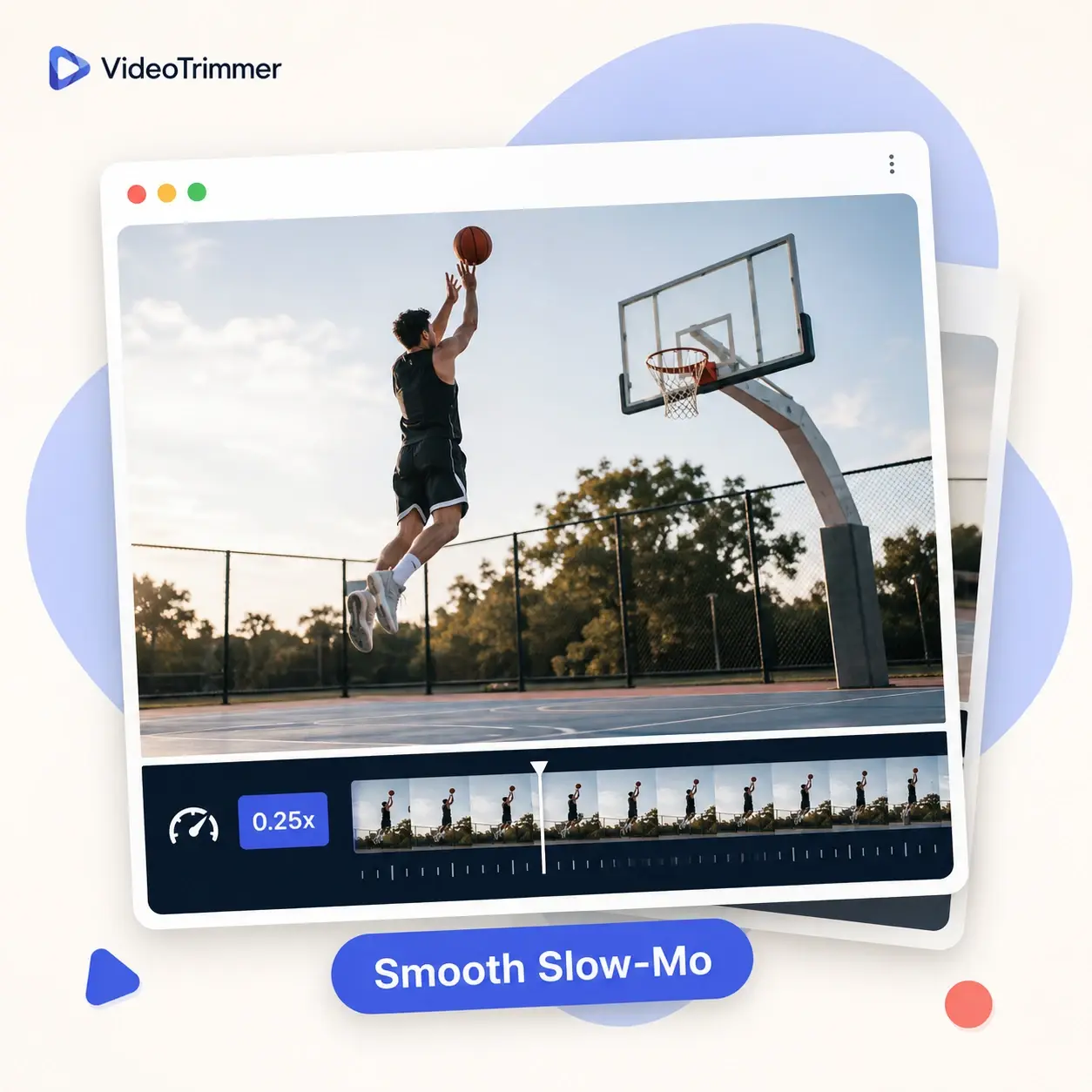
Slow Down Video for Smooth Slow Motion
A fast action shot can be hard to follow at normal speed — slowing it down makes the detail much clearer.
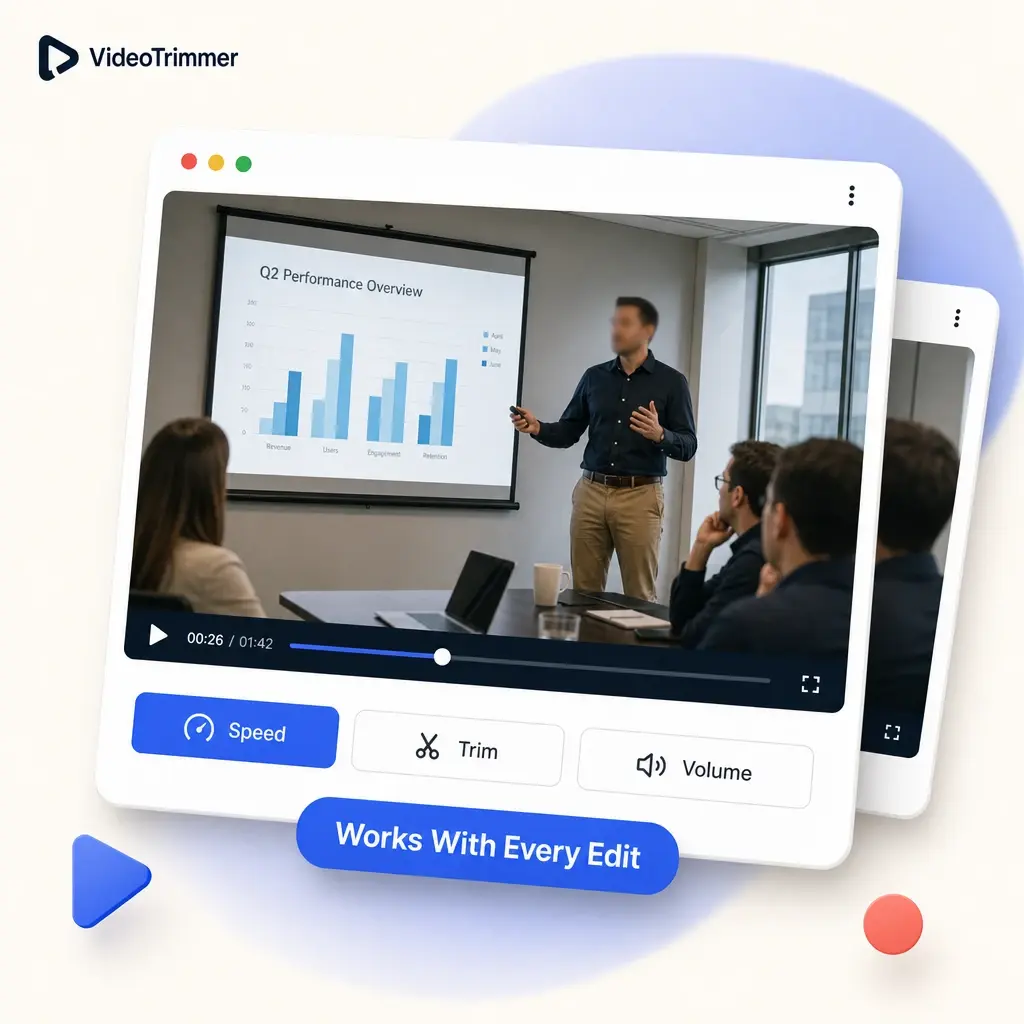
Speed Up Video and Edit It Further
Change the pace, then trim, crop, or adjust volume — all before one export, without reopening the file.
Who's Changing Video Playback Speed Today
Making footage play faster or slower solves very different problems depending on who's doing it, from saving time to catching detail.
Course creators
Speed up video lectures to trim the total runtime without re-recording anything.
Sports coaches
Slow down a play to review footwork or technique frame by frame instead of relying on memory.
Meeting-recap editors
Speed through a long recorded meeting so a team can catch up in a fraction of the time.
Gamers and highlight editors
Fast-forward a slow grind sequence or slow down a clutch moment for a highlight reel.
Vloggers and creators
Speed up video b-roll of a long process into a quick, watchable montage.
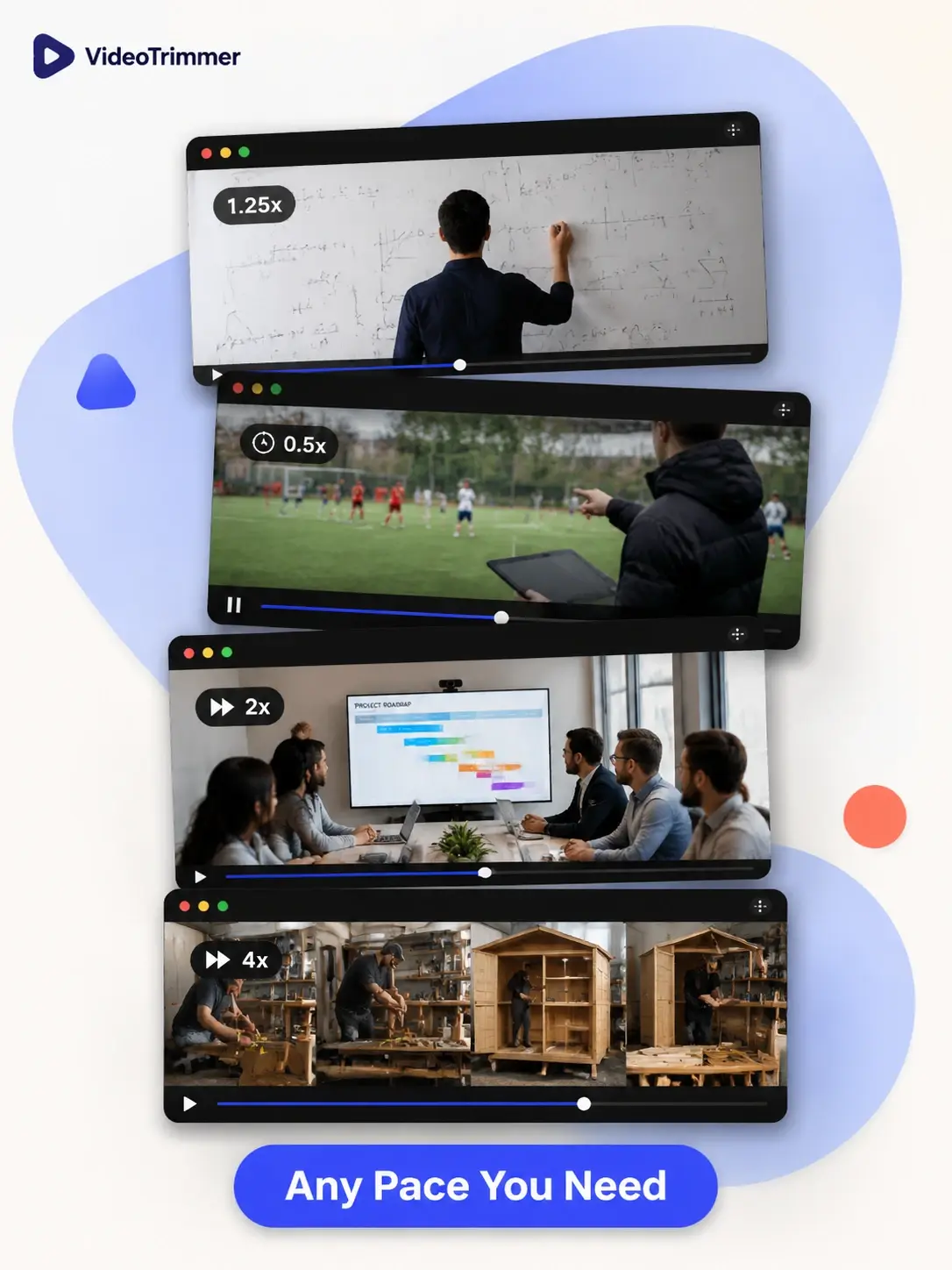
One Slider, Any Playback Pace
0.25x–4x
Slow footage down or speed it up, all in one continuous range.
Pitch-corrected audio
Speeding up doesn't turn voices into chipmunks or make speech sound strange.
Instant preview
See the new pace before you export anything at all.
Change Playback Speed Without a Timeline
Video Speed Changer | Full editors | |
|---|---|---|
| Speed up a long recording | Drag a slider | Timeline speed keyframes |
| Slow motion without re-shooting | Needs a high frame rate source | |
| Preview before export | Render to check | |
| Audio pitch stays natural | Depends on the software | |
| Free, no watermark | Often a paid tier | |
| Works on mobile browsers | Rarely |
The Playback Pace Fixed, Not the Footage Re-Shot
“My course modules run long because I over-explain things on the first take. Speeding up the slower stretches gets episodes down to a length students finish.”
Malik F.
Online course creator
“I review match footage with my players every week, and slowing down a specific play frame by frame makes it obvious what needs to change.”
Coach Denise V.
Youth sports coach
“Our team records every planning meeting, and nobody has time to watch a full hour back. Playing it at 2x gets people caught up during a coffee break.”
Tomas B.
Project manager
“I speed up video footage of long builds and repairs into a 30-second montage for my channel. It's the single most-used tool in my whole workflow.”
Jamal O.
Vlogger
Video Speed FAQ
What people usually ask before changing playback speed.
How do I speed up a long screen recording?
Load the recording, open the speed tab, and move the slider above 1x — a 20-minute recording at 2x plays back in 10 minutes, with nothing cut out.
Can I slow a video down for smooth slow motion?
Yes — move the slider below 1x. It works well for review purposes even on footage that wasn't shot specifically for slow motion.
Does speeding up a video ruin the audio?
No — the audio pitch is corrected automatically, so a sped-up voice still sounds natural.
Can I change the speed of only part of a clip?
Trim to the section you want first using the trim tab, then adjust its speed before exporting.
What speed should I use to make a long video watchable faster?
1.5x to 2x is usually the sweet spot for spoken content like lectures and meetings — fast enough to save real time, slow enough that speech still sounds natural.
Is this video speed changer free to use?
Yes — changing speed and exporting a clip doesn't require an account or a subscription.
Can I speed up a video on my phone's browser?
Yes — this speed changer works in mobile browsers on both phones and tablets, no app download required.
What formats can I speed up video in?
MP4, MOV, WebM, MKV, and most common formats a phone, camera, or screen recorder produces.
Speed it up, slow it down — your call.
Move the slider, preview the result, and export — free, no account required, no software to install.