Video Trimmer
Trim, cut, and clean up any video online — free, private, and browser-based.
Trim Video Online in a Few Clicks
This video trimmer runs entirely in your browser: drop in a clip, drag the trim handles to the part you want to keep, and export the result as MP4, WebM, or another common format — no account, no software, and no watermark on the file you download.
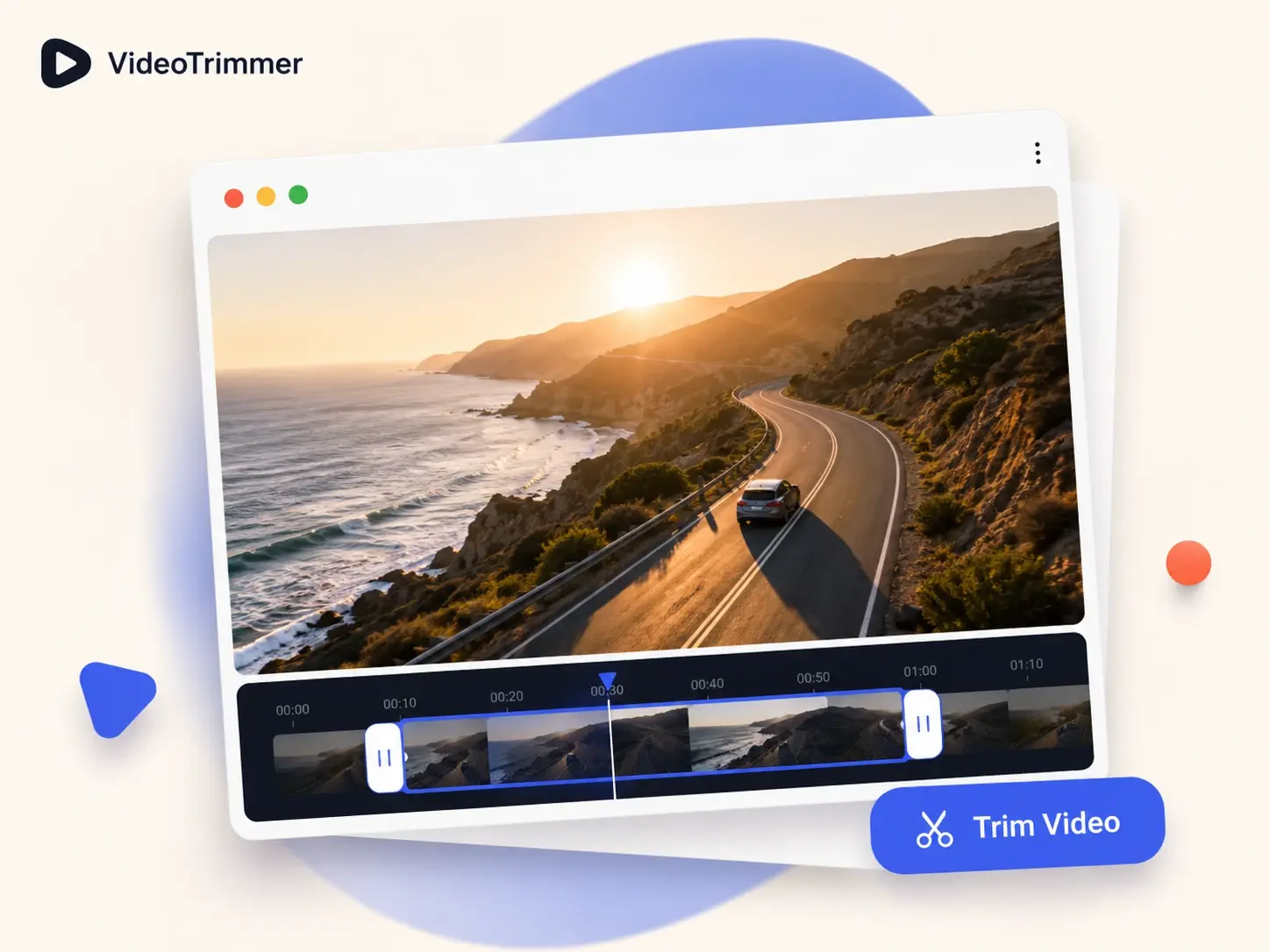
A Video Trimmer Built for the Two-Minute Job
Most footage has dead time at the start, a long pause in the middle, or a few extra seconds at the end. This video trimmer is built around that one task — find the good part, cut the rest, and export.
3 steps
Drop a file, drag the trim handles to the range you want, and hit export — no menus to dig through.
0 uploads
Trimming runs locally in your browser tab, so the video never leaves your device until you choose to export it.
Any length
Works the same way on a 10-second phone clip or a 40-minute screen recording.
One Video Trimmer, Every Edit You Need
Trimming is one tab in this video trimmer's workspace — switch to any of these without re-uploading the file or leaving the page.
Crop, Rotate & Flip Video
Reframe the shotCrop to a new aspect ratio, rotate sideways footage upright, or flip a clip that's mirrored the wrong way.
Resize Video & Speed Up Video
Match any platformResize a clip to the resolution a platform expects, or speed footage up and slow it down without another app.
Change Volume & Loop Video
Fix the audio, repeat the clipBoost quiet audio, mute a track entirely, or loop a short clip end-to-end for a GIF-style repeat.
Add Text to Video & Add Image to Video
Caption or overlayDrop a title, caption, logo, or sticker onto the clip before exporting the finished file.
Skip the Timeline When All You Need Is a Cut
A full video editor makes sense for multi-track projects. A video trimmer skips that setup when all you need is to cut one clip down to size.
Video Trimmer | Full editors | |
|---|---|---|
| Time to first export | Under a minute | Project setup first |
| Cost to trim a clip | Free, no account | Often a paid tier |
| Where it runs | Any browser, no install | Desktop app required |
| Learning curve | Drag two handles | Menus, tracks, panels |
| Output quality after a cut | Same as the source | Depends on export settings |
| Good fit for a single quick cut | Usually overkill |
Built for the Clip-a-Day Workflow
“I record product walkthroughs almost daily and always need to cut the first few seconds of dead air. This video trimmer is the fastest way I've found to do it.”
Priya N.
Product marketer
“Our support team trims screen recordings down to just the relevant part before sending them to customers. No install, no waiting on IT approval.”
Marcus T.
Support lead
“I used to open a full editor just to cut ten seconds off a clip. This video trimmer does the same job in a fraction of the time.”
Elena R.
Video creator
“I trim lecture recordings down to the five minutes students actually need, then loop the demo clip so it plays on repeat during office hours.”
Mr. Alden R.
High school teacher
“Between cutting clips to length and resizing them for each platform, this video trimmer covers most of what I used to open a full editor for.”
Jordan K.
Social media manager
Video Trimmer FAQ
What people usually ask before cutting their first clip.
Cut the Video Down to the Part That Matters
Drop in a file, drag the trim range, and export — or switch tabs in this video trimmer to crop, rotate, resize, or loop the same clip before you're done.