Add Text to Video
Type a title, caption, or callout onto any clip — free, browser-based.
Add text to video for titles, captions, and callouts
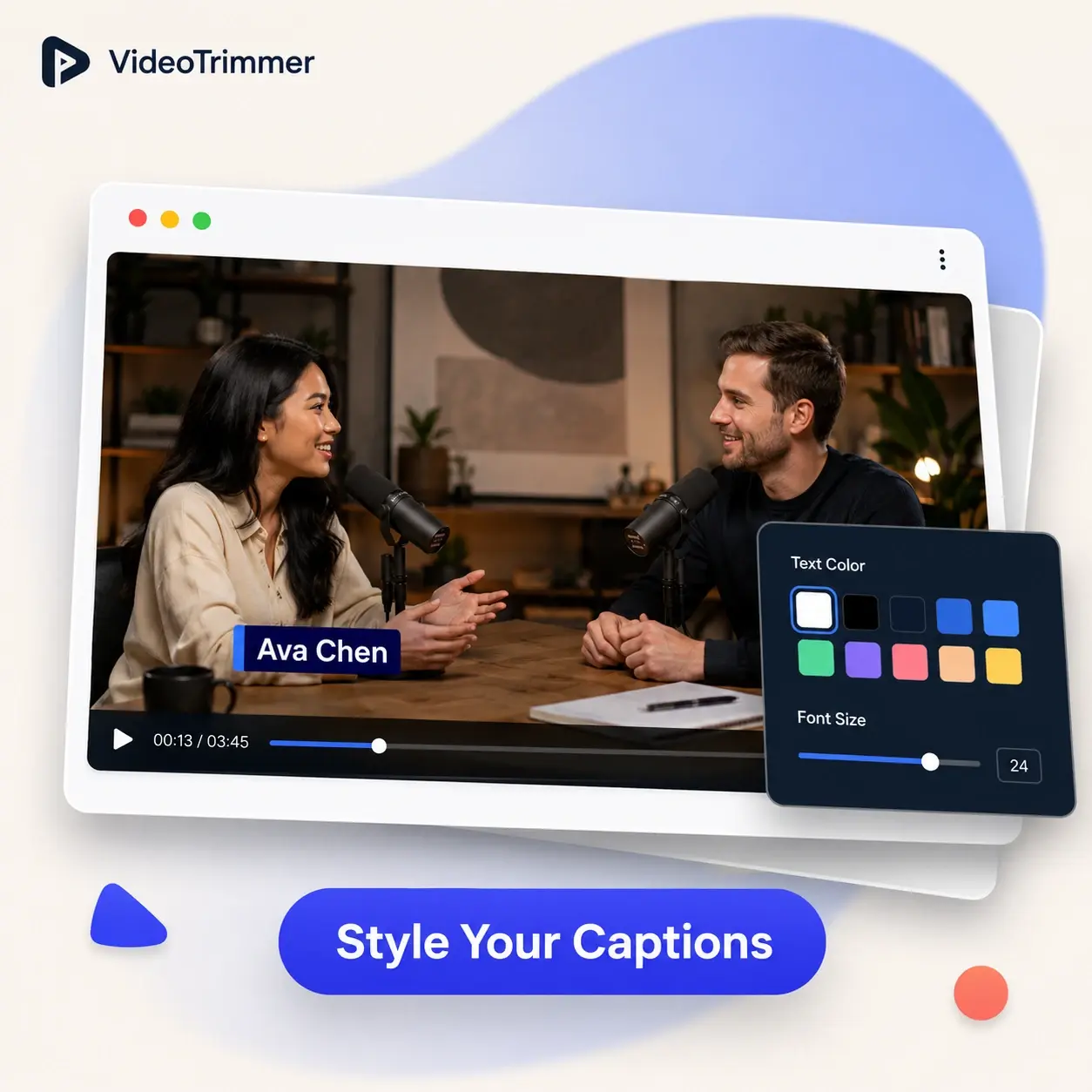
A name label under a speaker, a title card at the start of a clip, or a caption for viewers watching with the sound off — this places wording directly onto the video and positions it wherever you need. It's the same tool whether you're a social media manager adding burned-in captions so a muted autoplay clip still makes sense, a real estate agent labeling room names over a walkthrough video, or a small business owner putting a promo headline across a product demo before posting it. Type it, drag it into place, and it becomes part of the video the moment you export — no separate subtitle file to keep track of, and nothing that can go missing when the clip gets reposted somewhere else.
More than one reason to put text on a video
"Add text to video" covers a wide range of on-screen wording — this tool is built to handle each of them from the same panel, without switching to a different app for captions versus titles.
Add text to video for titles, captions, and labels
Typing a caption onto a clip is the same three-step process no matter what the wording is for or how long it needs to stay on screen.
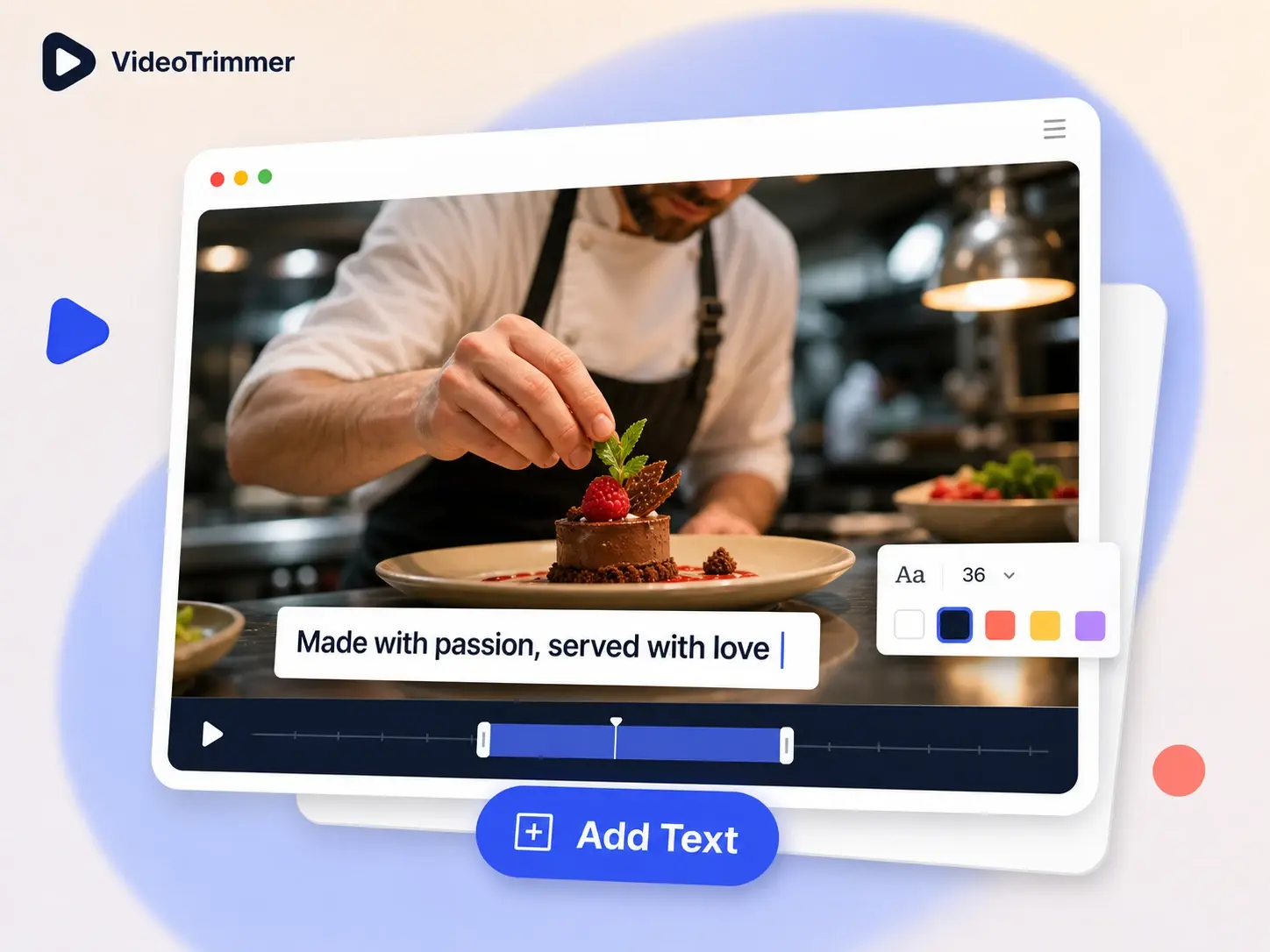
Type and place
Type the text, then drag it anywhere on the video preview until it sits where you want.
Custom size and color
Adjust font size and color so the text stays readable over any background footage.
Baked into export
The text becomes part of the video file, so it shows up on any device or platform.
Put a title or caption on a clip without a captioning app
One line of wording on screen doesn't need a subtitle-editing project with timecodes to manage before you can even see how it looks.
Add Text to Video | Captioning software | |
|---|---|---|
| Add a title card | Type and place | New project, import clip |
| Adjust size and color | Style panel and presets | |
| Time needed | Under a minute | Learning curve first |
| Works on a clip you already exported | Original project file only |
“Most people watch our social clips with the sound off, so burning in a caption is the difference between a video that lands and one that gets scrolled past. This has become part of every post now.”
Layla S.
Social media manager
“I label each room in my listing walkthroughs so buyers can follow along without me narrating over every clip. Typing the label and placing it takes less time than re-recording with voiceover.”
Marcus D.
Real estate agent
Add text to video FAQ
What people usually ask before putting text on a clip.
Put the title, caption, or label on screen.
Type the text, position it, and export — free, with no account required.