Rotate Video Online
Turn a sideways or upside-down clip the right way up — free, browser-based, no re-filming.
Rotate Video Online in Seconds
Rotate video footage that came out sideways or upside down — no re-filming, no software to install, no account needed.
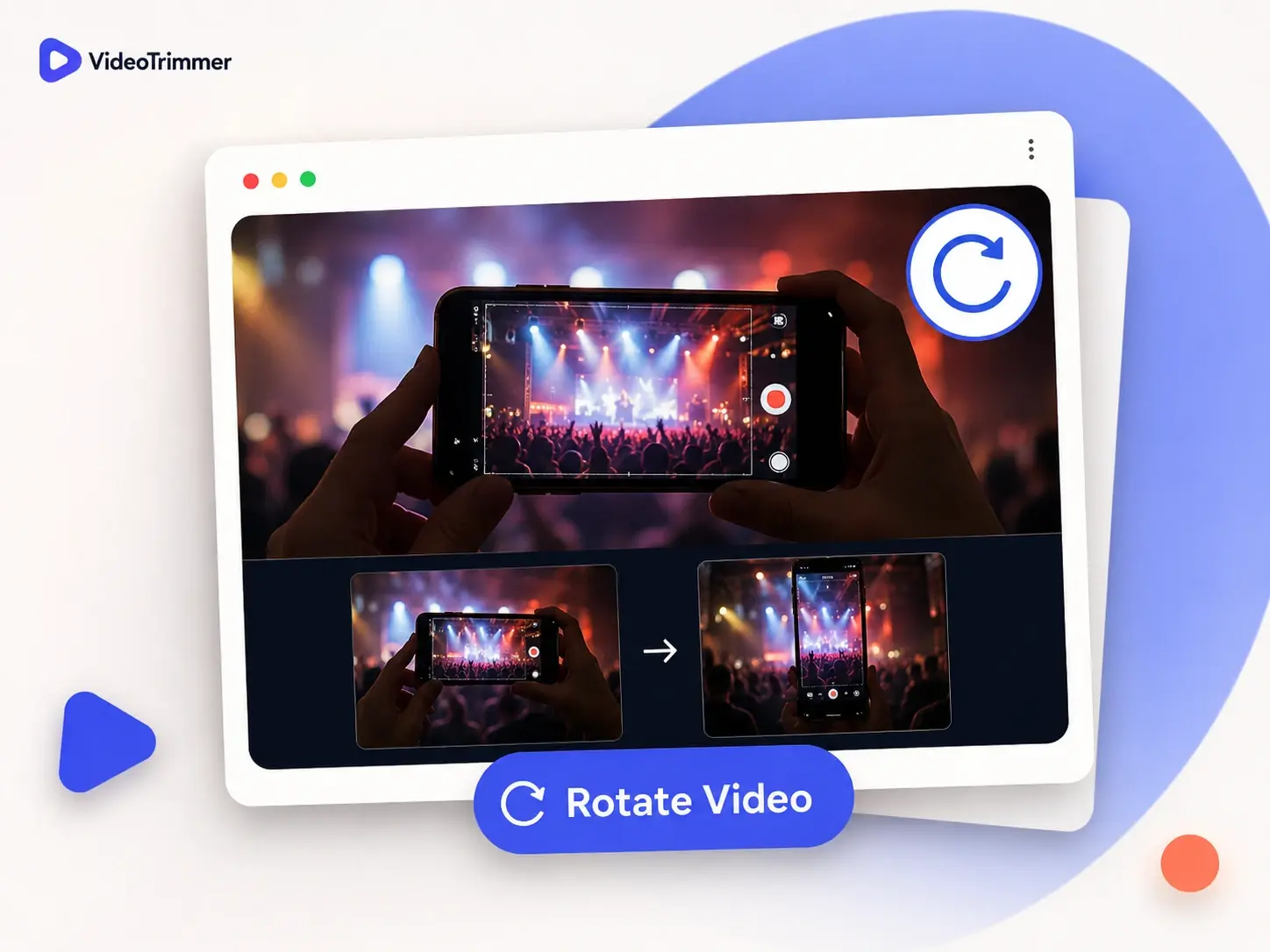
Fix a Sideways Recording
A phone held the wrong way, or a screen recording exported on its side — a quick rotate fixes it right away.
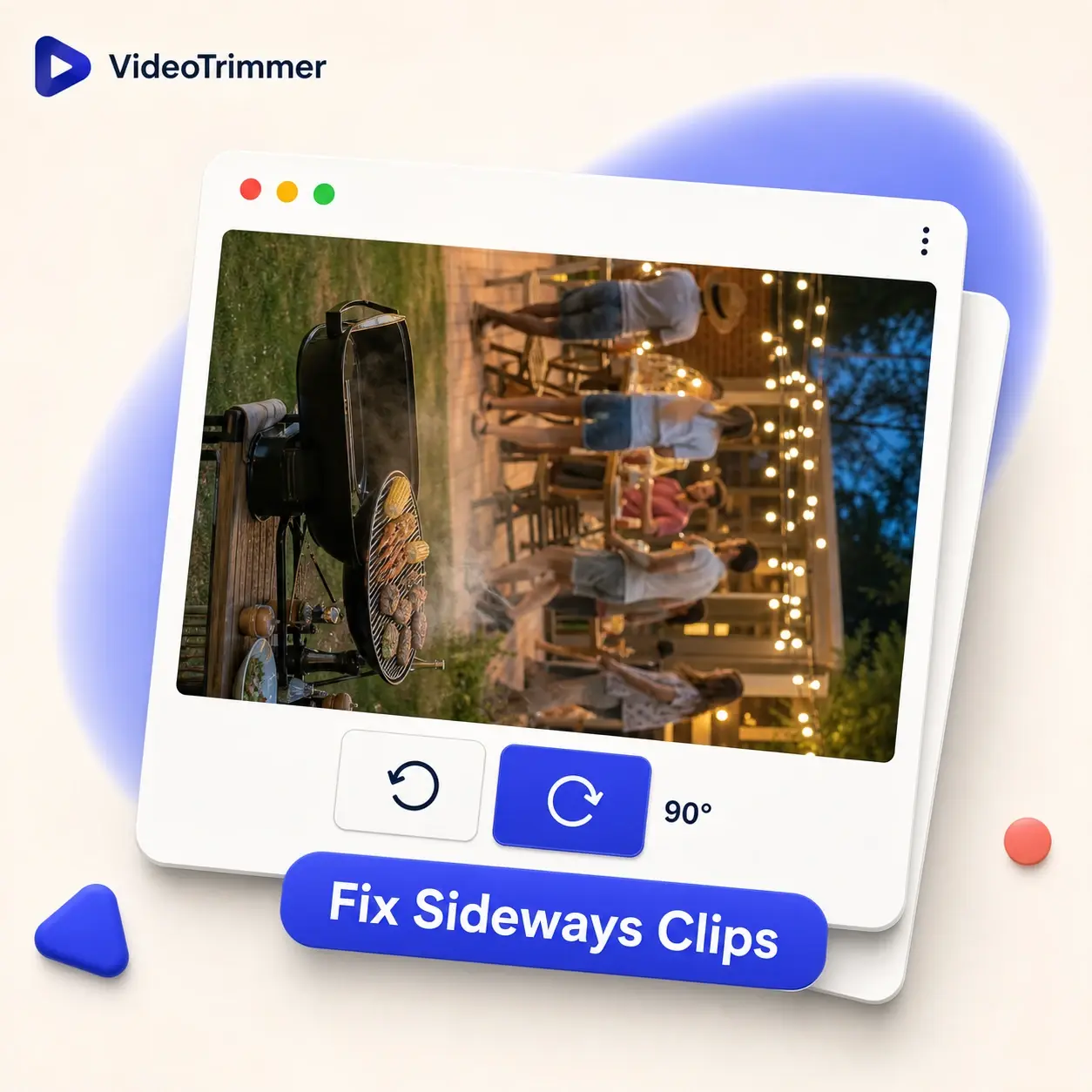
Turn a Clip 180 Degrees
An upside-down recording needs two 90-degree turns — this video rotator does both together in one pass.
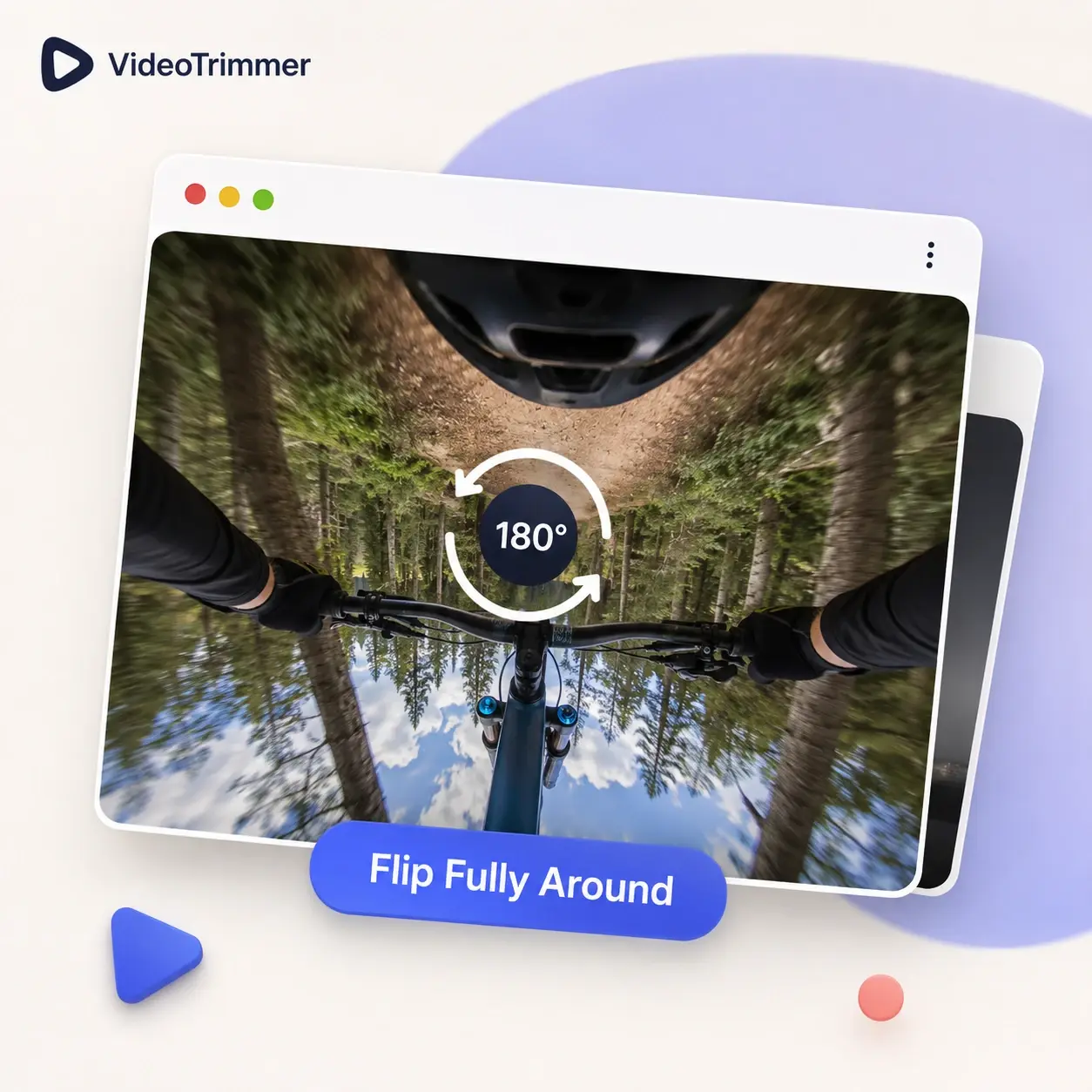
Rotate Video and Edit It Further
Straighten the orientation, then trim, crop, or adjust volume — all before one export.
Who's Using This Video Rotator
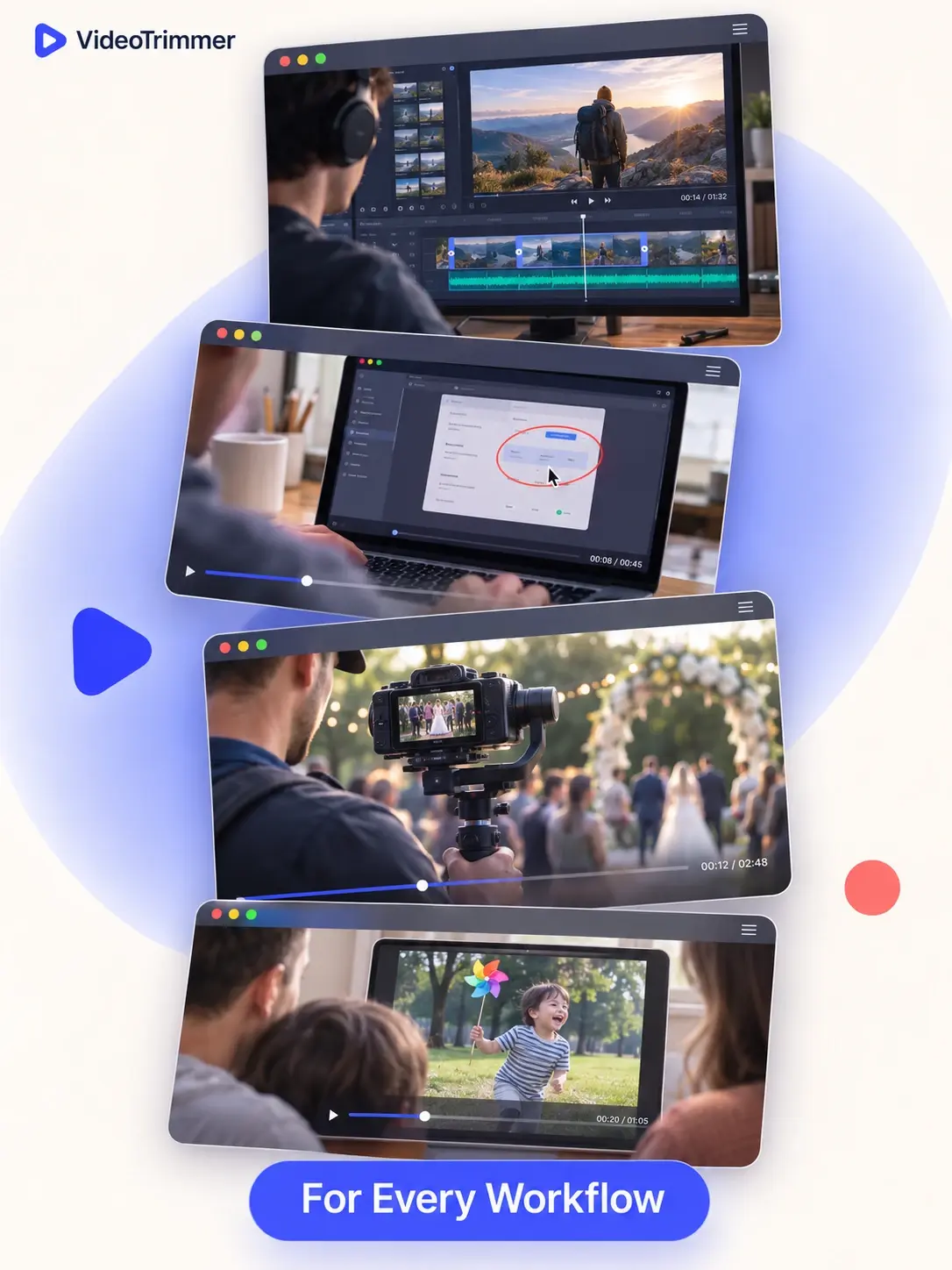
Straightening footage after the fact comes up across some very different jobs, usually right before a deadline.
Freelance video editors
Rotate video footage from a client instead of asking them to reshoot an interview.
Customer support teams
Rotate video bug-report recordings that came in upside down before sharing them with engineering.
Event videographers
Use a video rotator to correct a gimbal that slipped sideways mid-shoot.
Social media managers
Turn a sideways influencer clip upright before it goes on a brand account.
Online tutors
Rotate video lessons recorded on a phone propped up the wrong way.
Parents and families
Fix a sideways family video before sharing it in a group chat.
One Slider, Any Angle
90° at a time
Rotate clockwise or counter-clockwise, up to a full 270°.
Instant preview
See the corrected orientation before you export.
Original resolution
Rotating doesn't crop or resample the frame.
No install
Runs in the browser on desktop or mobile — nothing to download.
Skip Re-Shooting the Scene
Video Rotator | Re-shoot the scene | Desktop editor | |
|---|---|---|---|
| Fix a sideways clip | Under a minute | Reschedule and reshoot | Import, render, export |
| Works on footage you already have | |||
| Needs an install | |||
| Free, no watermark | N/A | Often a paid tier | |
| Preview before exporting | N/A | Sometimes | |
| Works on mobile browsers | N/A | Rarely | |
| Cost to rotate a clip | Free | N/A | Often a paid app |
“A client sent a testimonial clip filmed sideways two hours before my deadline. Rotating it here took less time than writing the email asking for a reshoot.”
Owen T.
Freelance video editor
“A good chunk of the screen recordings our customers send in are rotated wrong somehow. This is the fastest fix I've found.”
Mireille D.
Customer support lead
Video Rotate FAQ
What people usually ask before rotating a clip.
How do I rotate a sideways video the right way up?
Open the rotate tab and click rotate until the preview looks upright, then export.
Can I rotate a video 180 degrees?
Yes — rotate twice in the same direction to turn an upside-down clip fully around.
Does rotating a video lose quality?
No. A rotation changes orientation only; it doesn't crop, stretch, or recompress the picture.
Will rotating change the video's aspect ratio?
Yes — a 90 or 270 degree turn swaps width and height, so landscape becomes portrait.
Can I rotate a video and trim it in the same pass?
Yes — rotate and trim are separate tabs in the same editor, applied before one export.
Is this video rotator free to use?
Yes — rotating and exporting a clip doesn't require an account or a subscription.
Can I rotate a video on my phone's browser?
Yes — this video rotator works in mobile browsers, so you don't need a desktop or a separate app.
Does rotating affect the audio track?
No — rotating only changes the visual orientation; the audio is untouched and stays in sync.
What formats can I rotate video in?
MP4, MOV, WebM, MKV, and most common formats a phone, camera, or screen recorder produces.
Get the orientation right before anyone else sees it.
Rotate to the correct angle, preview it, and export — free, no account needed, no software to install.