Flip Video Online
Mirror a clip horizontally or vertically — free, browser-based, no software to install.
Flip Video Online in One Click
Flip video footage that recorded mirrored or upside down — no re-filming, no software to install, no account needed.
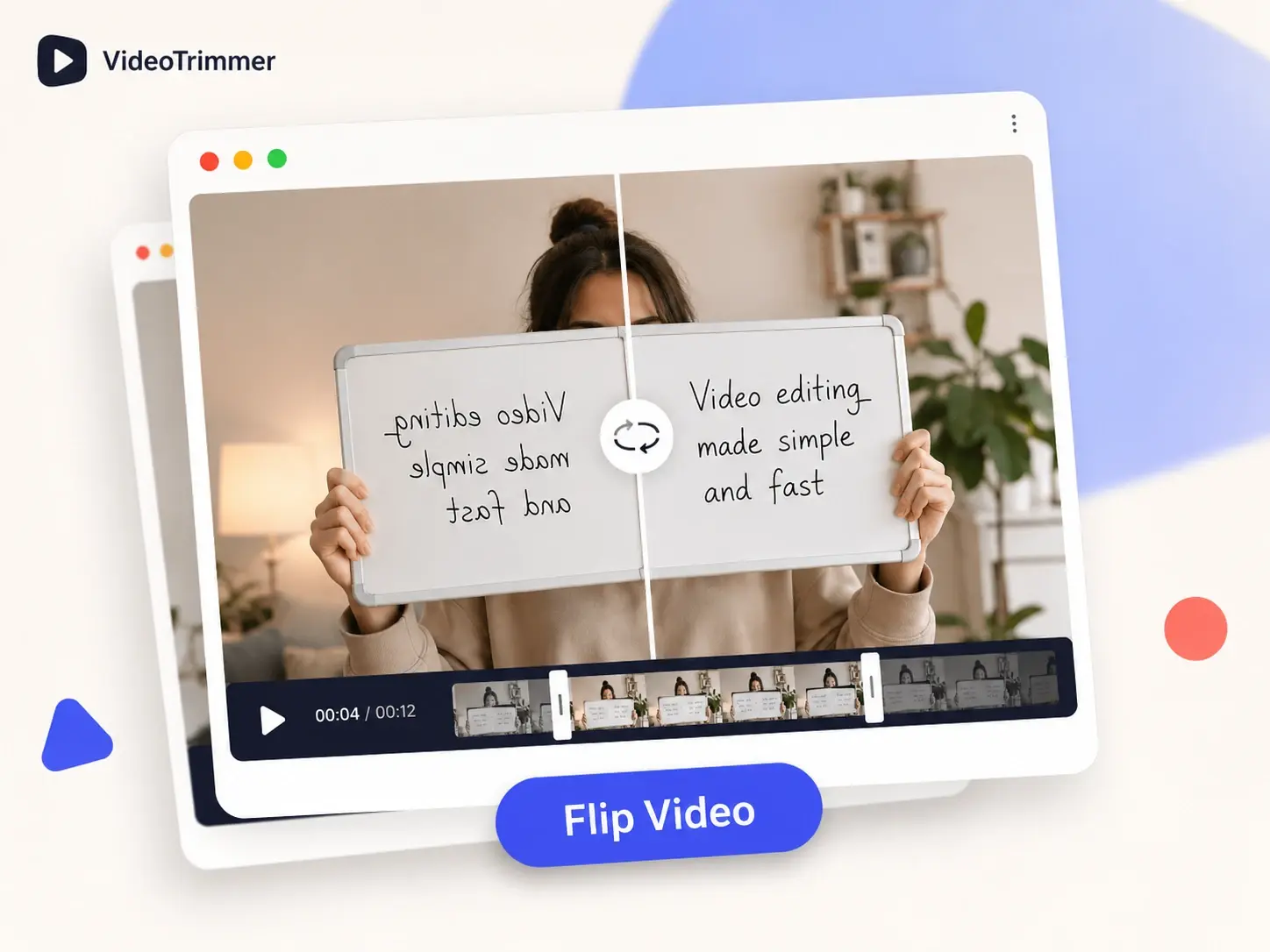
Fix a Mirrored Recording
Front-facing cameras often record in mirror mode, so text, numbers, and logos all read backwards on screen.
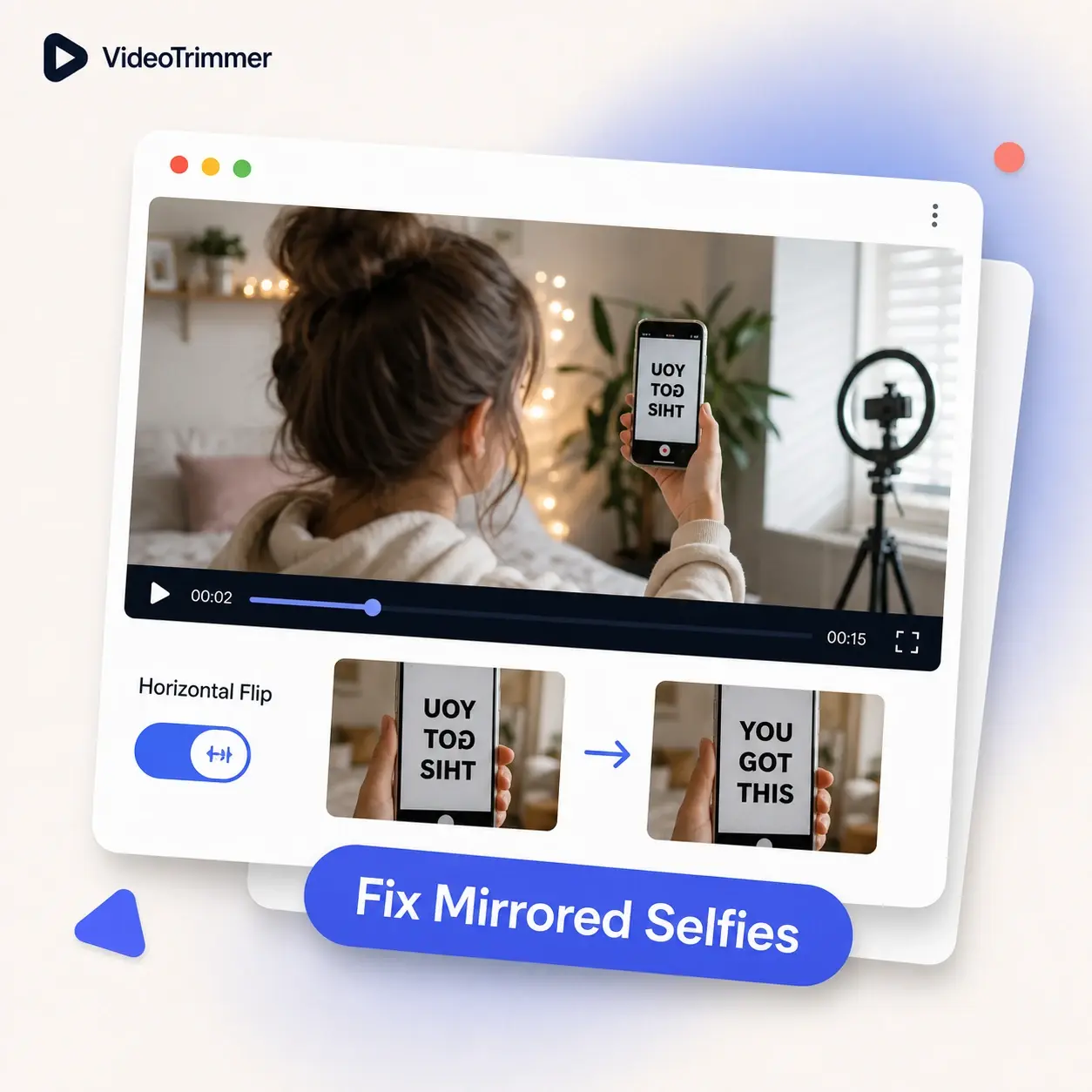
Flip a Clip Vertically Too
A vertical flip turns the video upside down along the other axis, separate from a horizontal mirror correction.
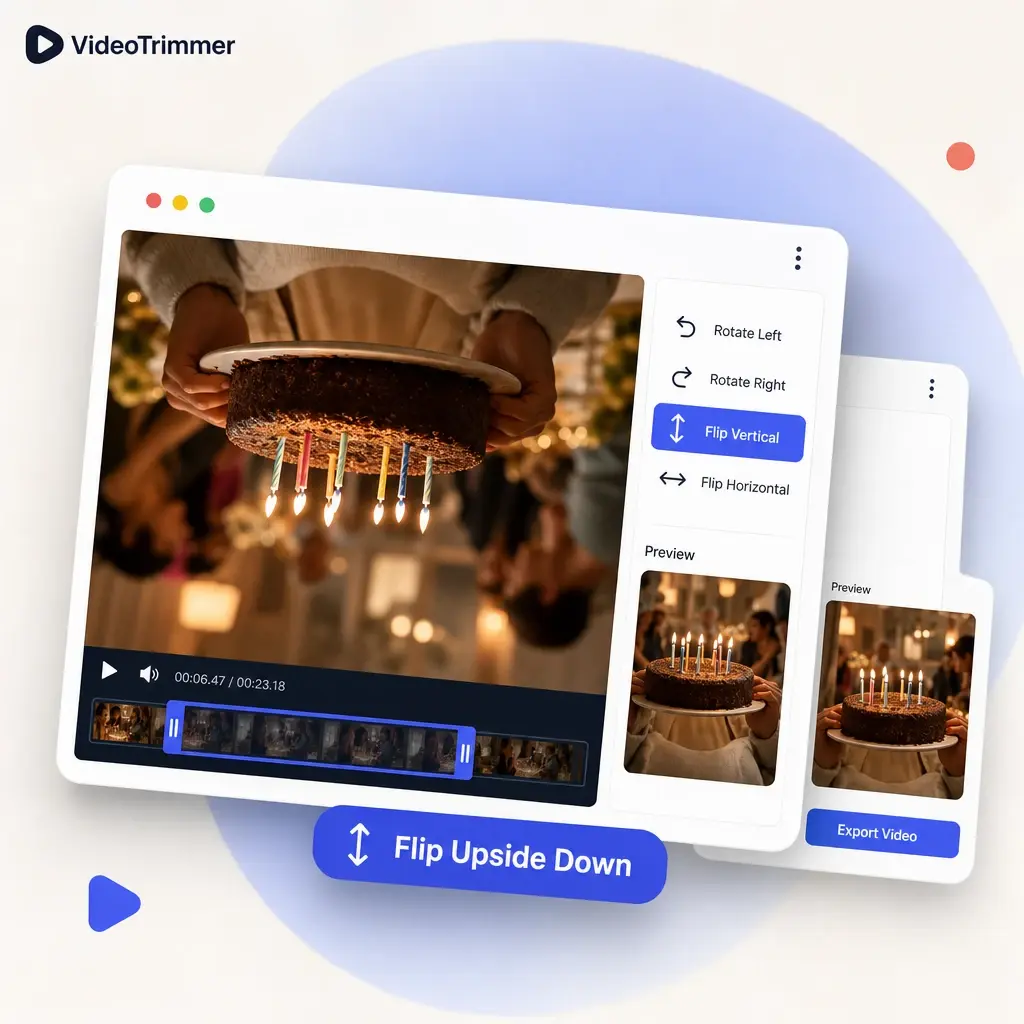
Flip Video and Edit It Further
Mirror the clip, then trim, rotate, or crop it — all before one export, without reopening the file.
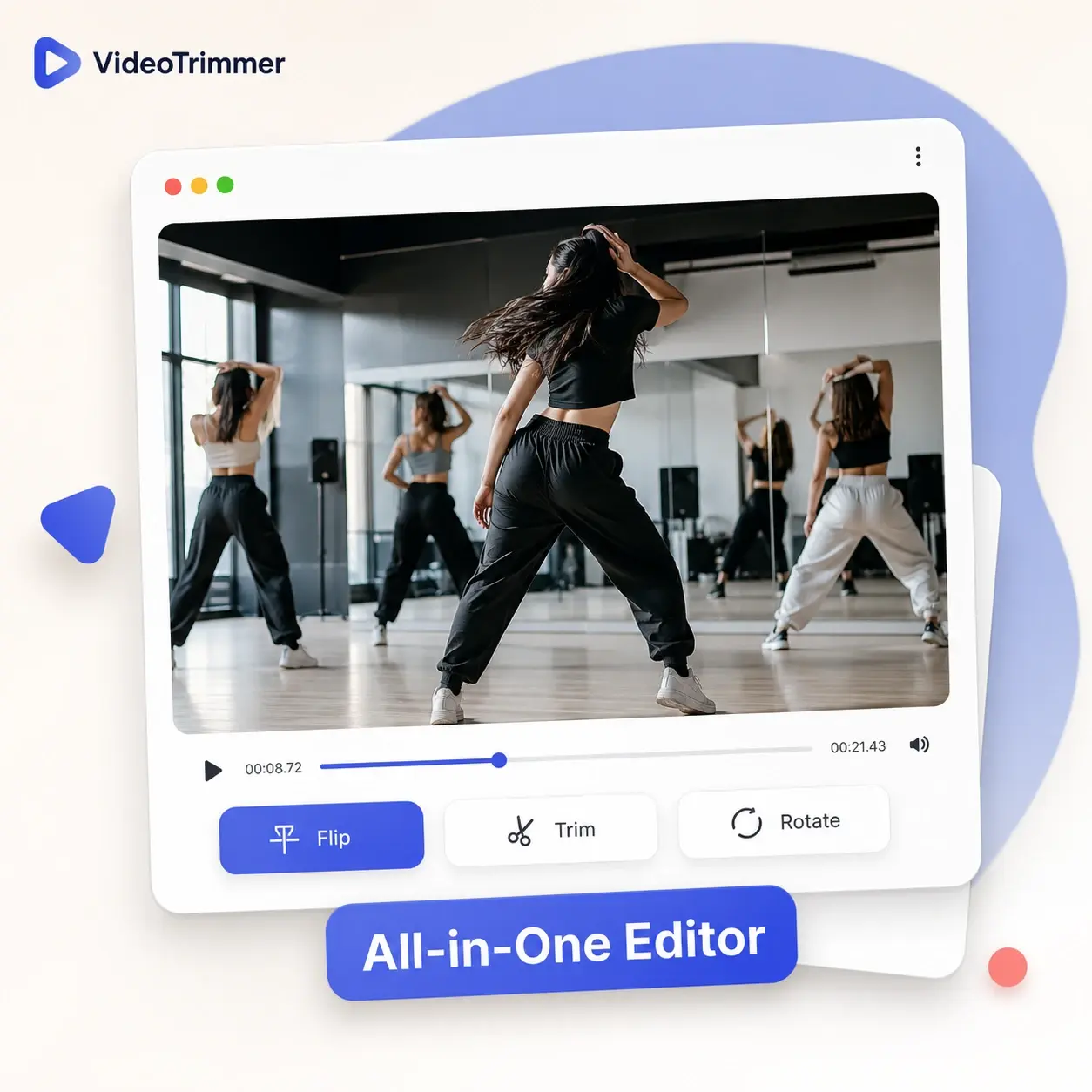
Who's Using This Video Mirror Tool
Correcting a mirrored recording comes up across some very different jobs, usually right before a tight deadline.
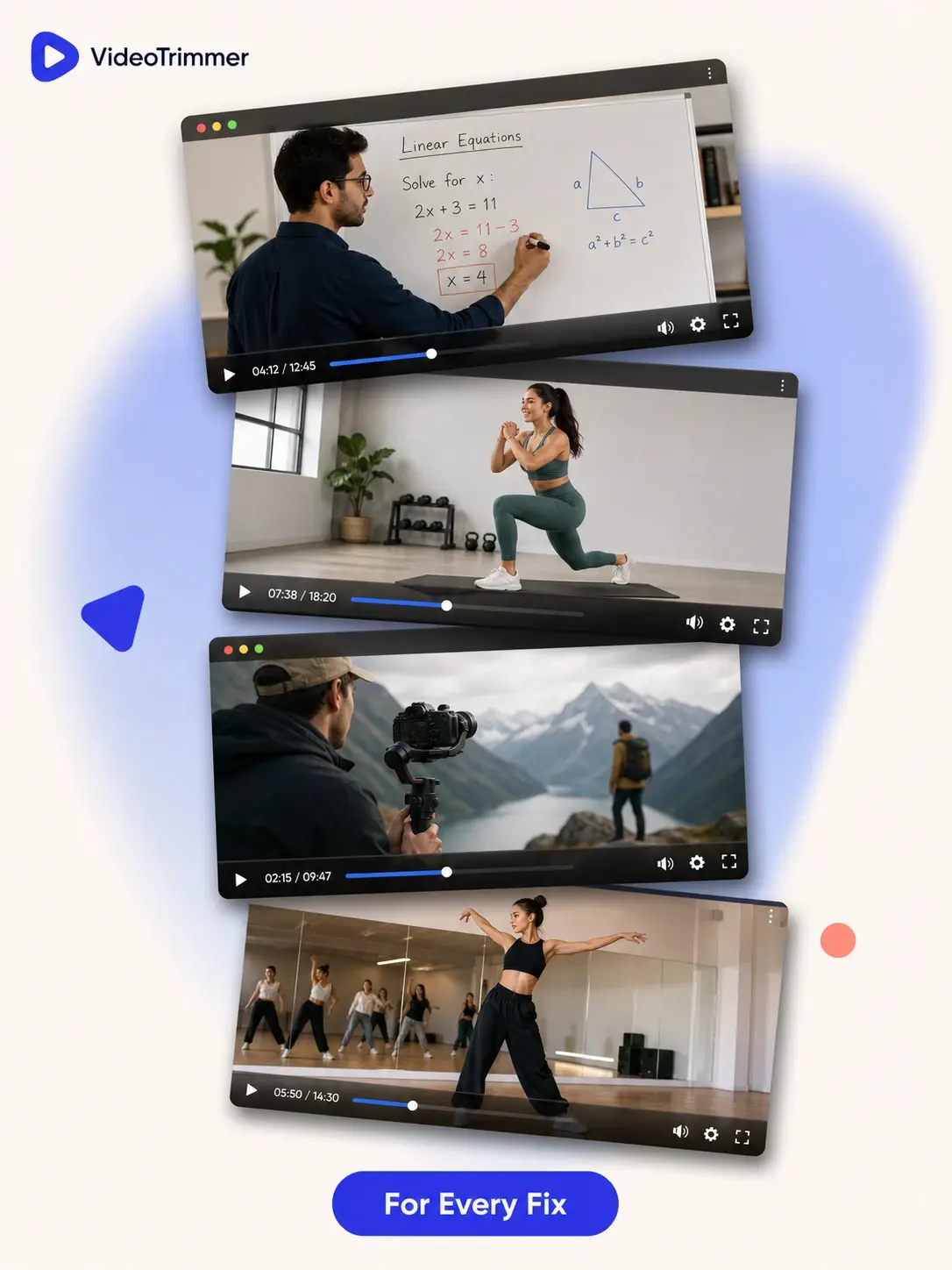
Online tutors
Flip video whiteboard explainers so the writing reads the right way round.
Fitness instructors
Mirror a workout demo so viewers can copy the same side of their body.
Content creators
Fix a mirrored selfie clip before it goes out on a channel or social account.
Videographers
Correct footage from a camera setup that recorded the whole scene reversed by mistake.
Dance instructors
Flip video routines so students watching at home can mirror the choreography correctly.
Two Flip Directions, One Toggle
Two directions
Flip horizontally or vertically, independently of each other.
One click
Toggle the flip and see the corrected orientation right away.
Combine freely
Flip a clip and also rotate, crop, or trim it in the same pass.
No install
Runs in the browser on desktop or mobile.
Correct a Mirrored Clip Without Ever Re-Recording
Video Mirror Tool | Re-shoot the clip | |
|---|---|---|
| Fix backwards text or logos | One toggle | Re-record with a different setup |
| Flip vertically too | Depends on the camera app | |
| Time needed | A few seconds | Reshoot the scene |
| Works on a clip you already exported | Original recording only | |
| Free, no watermark | Often a paid app | |
| Preview before exporting | Sometimes | |
| Works on mobile browsers | Rarely |
Corrected Without Touching the Camera Again
“I record short whiteboard explainers and the front camera always mirrors the writing. Flipping the clip here has saved me from re-recording dozens of lessons.”
Hannah W.
Online tutor
“Every workout video I film needs to be mirrored so clients can follow along on the correct side. It used to mean re-exporting from my camera app.”
Rosa M.
Fitness instructor
“I flip video routines for every new choreography upload. It's a permanent step in my process now, not an afterthought.”
Lucia F.
Dance instructor
“A client's product video was filmed with the camera mirrored by mistake, and the logo read backwards in every shot. Flipping it here fixed the whole batch in minutes.”
Owen T.
Freelance video editor
“My livestream setup uses a mirror rig that reverses the feed, so highlight clips always come out backwards. I flip video clips here before posting them anywhere else.”
Marcus D.
Streamer
Video Flip FAQ
What people usually ask before mirroring a clip.