Loop Video
Repeat a clip end-to-end as many times as you need — free, browser-based video looper.
Loop Video Online Without Stitching Copies Together
Loop video into a single seamless file — no manual copy-and-merge, no software to install.

Loop a Product Shot or Site Banner
A short product shot that plays once and stops looks unfinished on a landing page or store display, not polished.

No Manual Copying or Merging
Looping a clip shouldn't mean duplicating the file and joining copies by hand in a timeline, hoping the cut doesn't show.
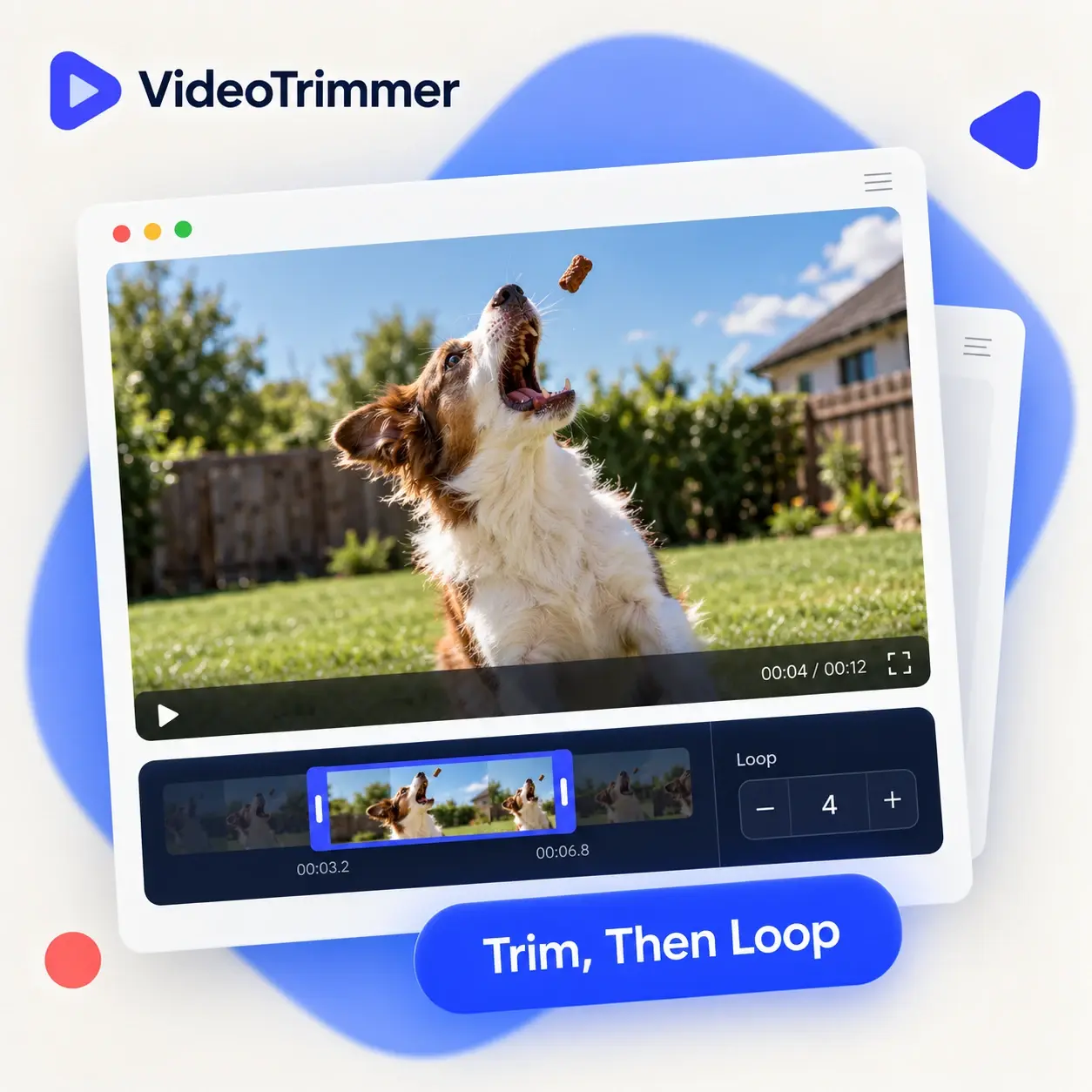
Loop Video and Edit It Further
Repeat the clip, then trim, resize, or adjust volume — all before one export, without reopening the file.
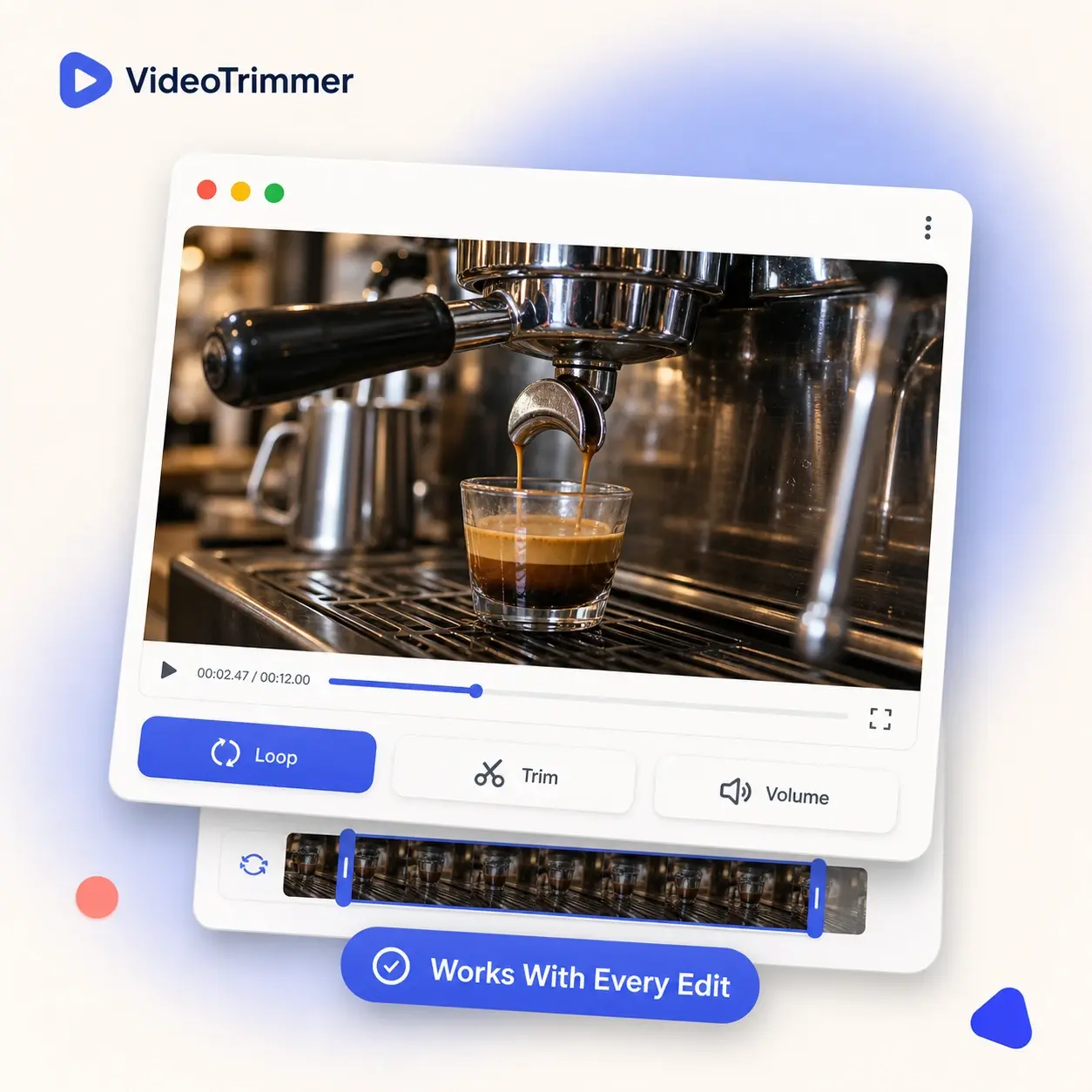
Who's Using This Video Looper Today
Repeating a clip solves different problems for different jobs, from product pages to lobby screens and trade show booths.
E-commerce sellers
Loop video product spins so a shopper always sees it moving.
Event organizers
Repeat a sponsor reel on a lobby screen between sessions.
Content creators
Turn a short funny moment into a repeating clip for social posts.
Web designers
Loop video backgrounds behind a headline without a heavy GIF file.
Trade show exhibitors
Repeat a booth demo reel all day without anyone restarting the playback.

Any Repeat Count, One Single Export
1×–50×
Pick a preset or type a custom number of repeats.
Seamless join
No gap or freeze frame between each repeat.
One export
The looped clip comes out as a single video file.
Repeat a Clip Without Manually Merging Copies
Video Looper | Manual duplicate + merge | |
|---|---|---|
| Repeat a clip 5 times | Pick a preset | Copy the file 5 times |
| Keeps the repeat count editable | Redo the merge to change it | |
| Time needed | Under a minute | Several manual steps |
| Seamless join between repeats | Depends on the editor | |
| Free, no watermark | Often a paid tier | |
| Works on a clip you already exported | Original recording only |
Repeating the Clip, Not Re-Exporting It Manually
“We use a repeating product shot on our store's homepage banner. Changing the repeat count used to mean redoing the whole edit; now it's a number field and a re-export.”
Selin Y.
E-commerce store owner
“Our lobby TV plays a short sponsor reel on repeat all day at conferences. Setting exactly how many times it plays saved us from awkward gaps between events.”
Derek P.
Event organizer
“I loop video backgrounds on our landing pages instead of using heavy GIFs. Load times improved and nobody notices the seam between repeats.”
Priya N.
Web designer
“Our booth demo plays on repeat for eight hours a day at trade shows. Setting a high repeat count means nobody has to babysit the laptop.”
Farid H.
Trade show exhibitor
Video Loop FAQ
What people usually ask before looping a clip for the first time.
Still deciding how many video repeats you need?
Load the clip and try a few repeat counts — the preview updates instantly, so you can compare a short loop against a longer one.
Turn one clip into a seamless, repeating loop.
Pick a repeat count, preview the result, and export — free, no account required, no software to install.